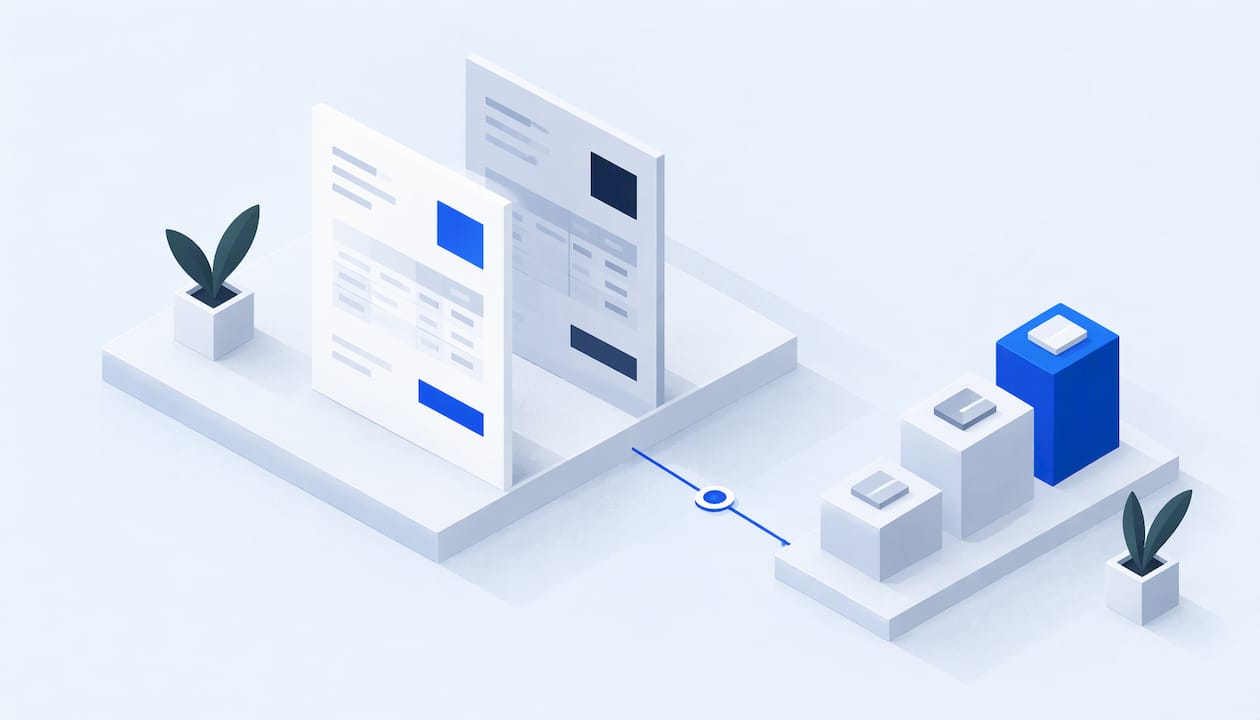
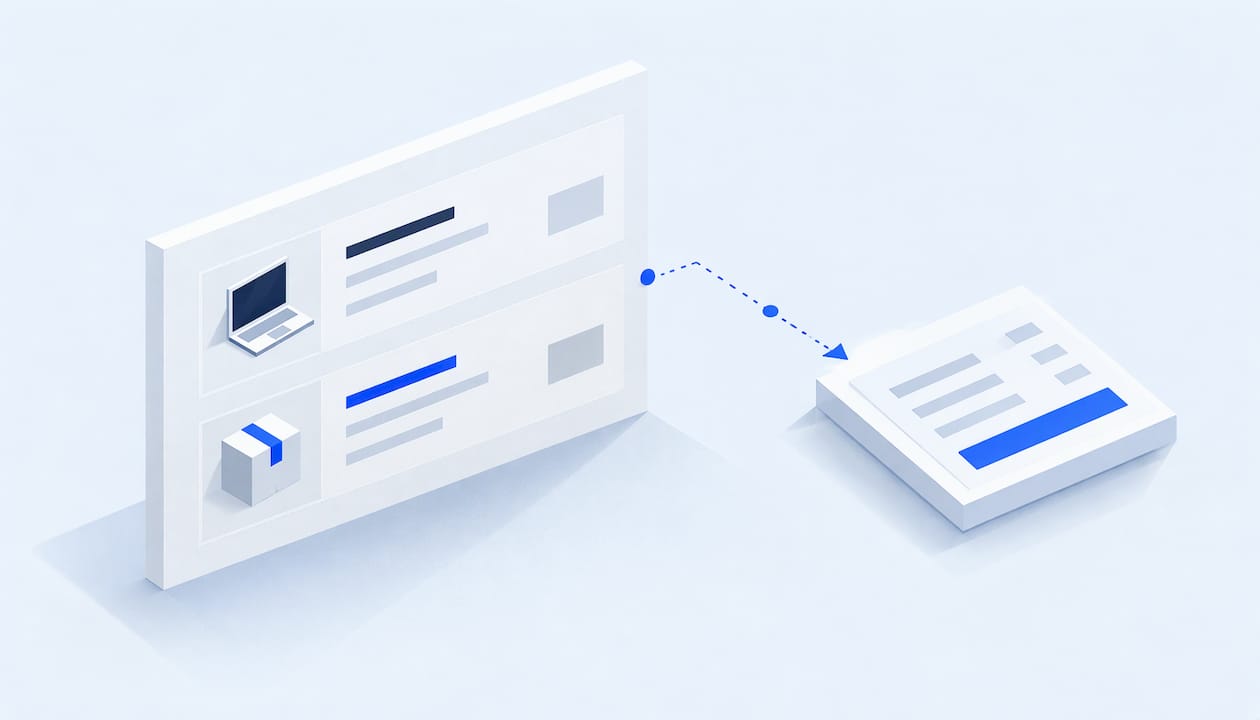
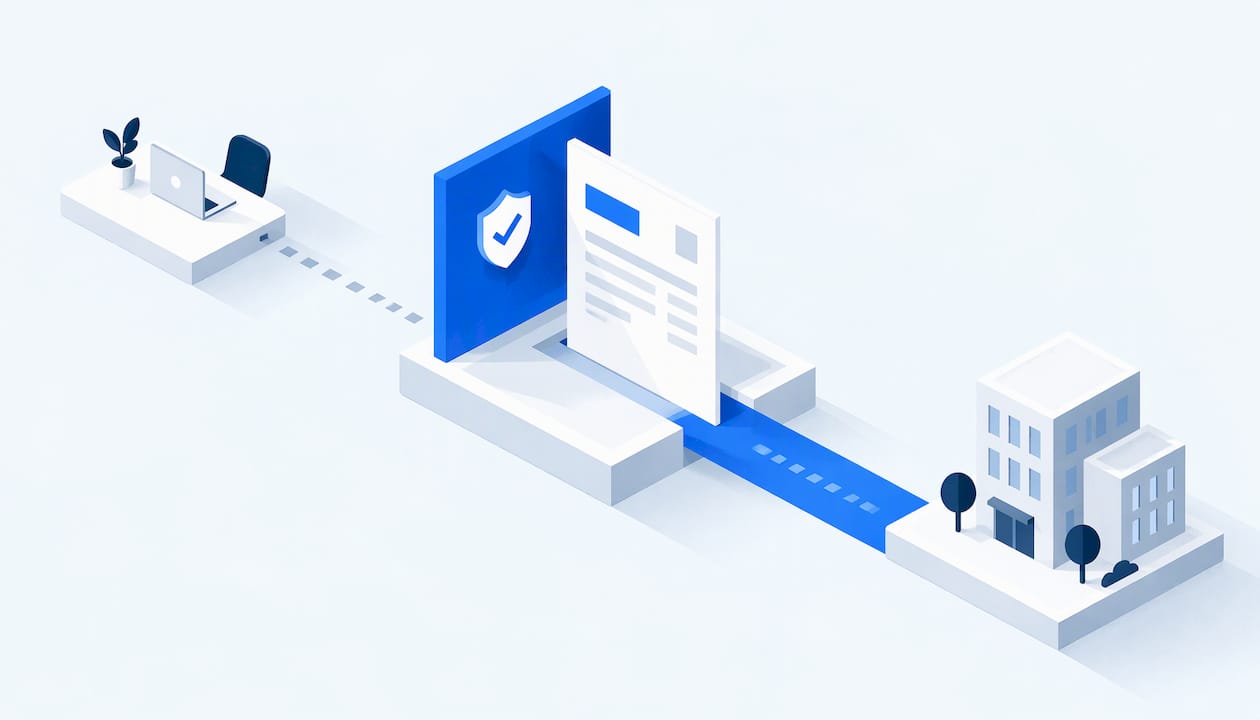
Invoice Portal vs Email: Which Gets You Paid Faster?
Invoice Portal vs Email: Which Gets You Paid Faster?
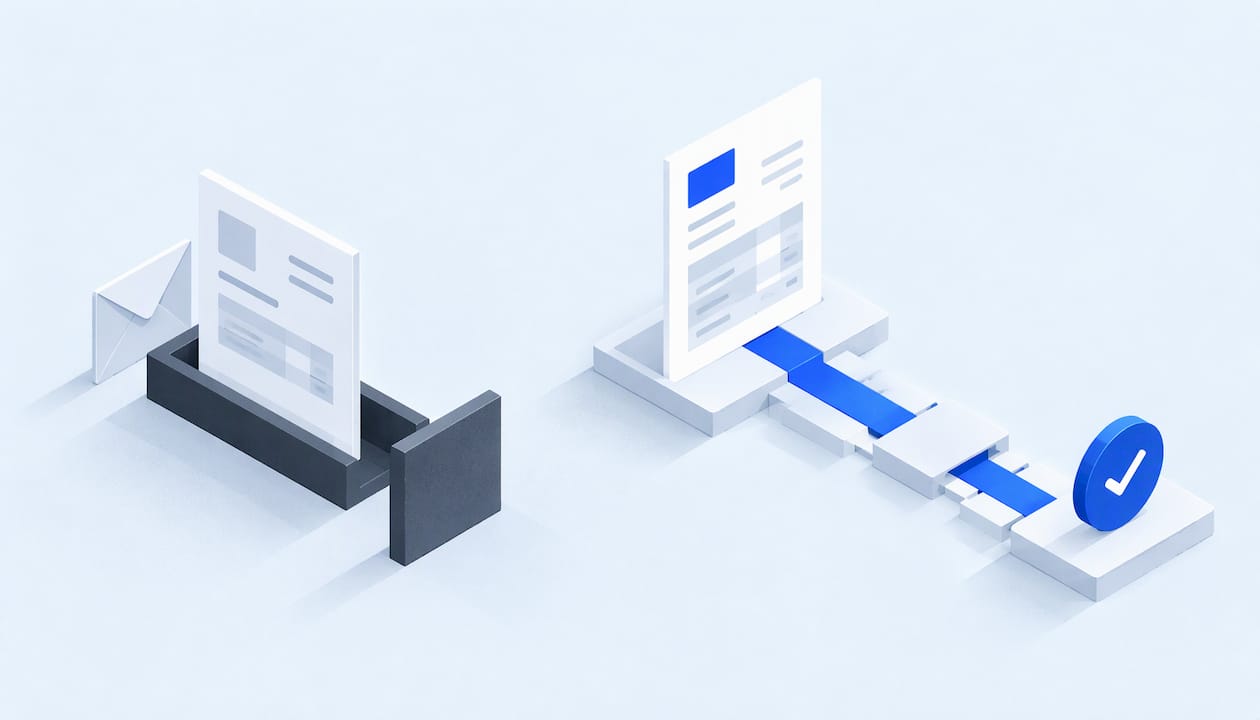
Sending invoices from an online invoicing platform beats attaching a PDF to an email for most UK freelancers, consultants and small agencies. The invoice arrives instantly, you can see its status, the client can pay by card in one step, and the document carries your branding without any manual work. Email still has a role as the delivery channel, but a loose PDF in an inbox gives you no visibility, no payment button and, from 2029, may not meet HMRC’s e-invoicing rules for VAT-registered businesses. Here is how the two approaches compare, and how to choose.
TL;DR
- Most UK small businesses still send invoices as PDFs by email: 95% do, and only 1% use an online portal or platform, according to HMRC-commissioned research.
- Email gives you no view of what happens after you press send. A platform shows whether the invoice was sent, viewed and paid, and lets the client pay straight from it.
- HMRC’s roadmap says that from 1 April 2029 VAT-registered businesses must issue and receive VAT invoices as e-invoices, and that PDFs and email do not count.
- Whichever route you use, a UK invoice must contain the details GOV.UK lists, and copies must be kept for six years.
Table of Contents
- What the two approaches actually are
- Why email alone leaves you guessing
- What invoicing from a platform changes
- Does it really speed up payment?
- The 2029 rule that changes the question
- What every invoice needs, whichever route you take
- Payment terms and late payment: set them on the invoice
- Which setup suits you
- How to move from email to a payable invoice
- Start with the free plan
- Our view
- FAQ
- Sources
What the two approaches actually are
The comparison is less obvious than it sounds, because the two are not strict opposites.
Email invoicing means you build an invoice in Word, Excel or a template, save it as a PDF, attach it to an email and send it. The invoice is a static file. Once it leaves your outbox, you know only what the client chooses to tell you.
An invoice portal or client portal is an online space where the invoice lives as a live record. The client opens a link, sees the invoice, and can pay it. You see the same record from your side, with its status. Some businesses also give clients a login to see all their past invoices; others simply send a link to each one.
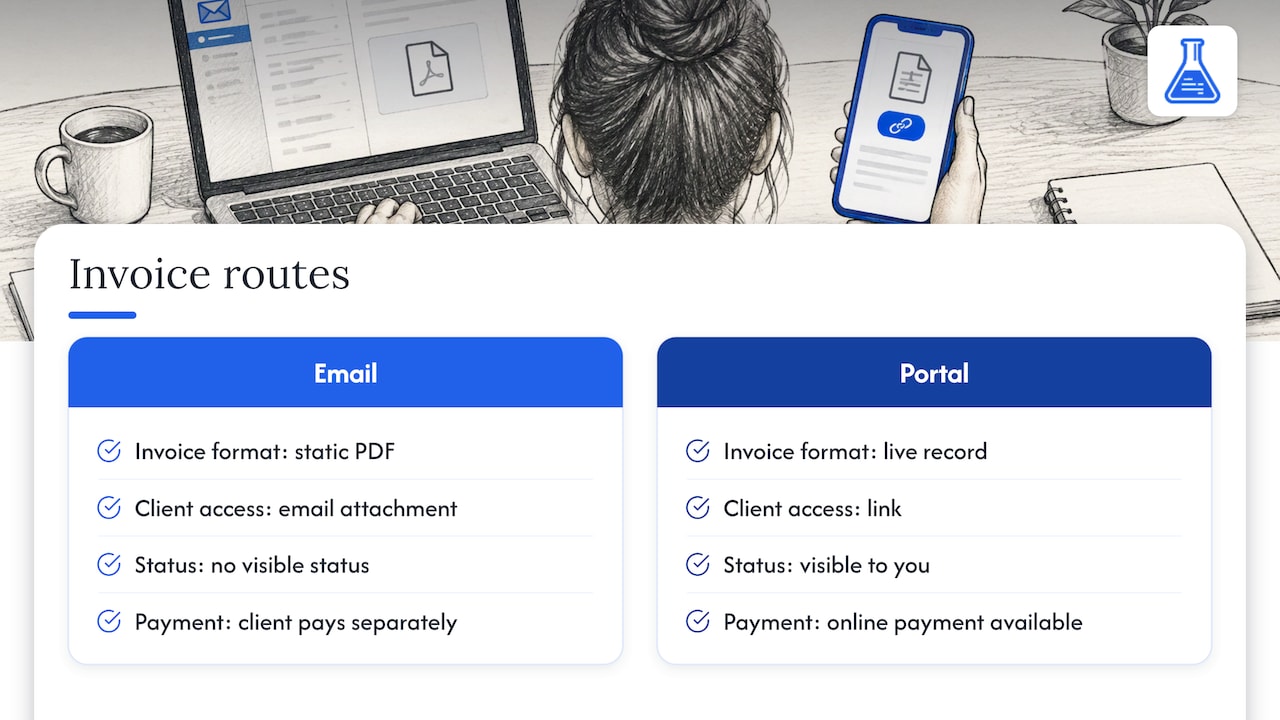
For a freelancer or a small agency, the useful question is not “portal or email” but “where does the invoice live, and can I see what happens to it?” A tool that creates the invoice, delivers it instantly, shows its status and lets the client pay online answers that question in a way a PDF cannot.
Why email alone leaves you guessing
Email is familiar and free, which is why it dominates. The cost shows up later, in four places.
You cannot tell whether it was seen. A sent email may sit in spam, get buried or be forwarded to someone who does not handle payments. You find out when the due date passes. Then you write a chasing email, which is the slowest, most awkward part of the job. Our guide to tracking an invoice from sent to paid goes through what each status should trigger.
Payment takes extra steps. A PDF contains bank details. The client has to open their banking app, type in sort code, account number and a reference, and hope nothing is mistyped. Every step is a chance to postpone the payment until “later”.
Errors multiply. Each PDF is built by hand, so wrong totals, missing VAT numbers and inconsistent invoice numbers creep in. The Office of the Small Business Commissioner advises checking that an invoice is correct before submitting it, because errors slow down approval.
Your records are scattered. Invoices end up across sent folders, desktop files and spreadsheets. When a client disputes something eight months later, you are searching rather than clicking.
What invoicing from a platform changes
A platform removes those four problems in turn.
Speed of creation. On InvoiceLabs you can create a professional invoice in under 30 seconds, with tax and discounts calculated in real time, so the arithmetic is not yours to get wrong. The free invoice generator lets you make one without creating an account.
Instant delivery and live status. The invoice reaches the client the moment you send it, and you can follow its status instead of waiting in silence.
Payment in the same place. InvoiceLabs integrates with Stripe, so a client can pay by card directly on the invoice. Card payments carry a 1% fee, and there are no hidden fees beyond what is published. If you want to weigh Stripe against the alternatives for UK invoices, we have compared Stripe and PayPal fees and fit.
Brand consistency. Your logo and colours appear on every invoice automatically. For consultants and agencies, the invoice is often the last document a client sees in a project, and it should look like the rest of your work.
A clean record. Invoices are stored in one place, can be downloaded as PDFs when a client or accountant wants a file, and can be handled from your phone when you are away from the desk.
If you are worried about safety, the questions are reasonable ones: where the data sits, who can see it and how payment details are handled. InvoiceLabs uses bank-grade security, and our guide to secure online invoicing explains what UK freelancers and small firms should look for.
Does it really speed up payment?
The evidence points the same way, with a few honest nuances about size.
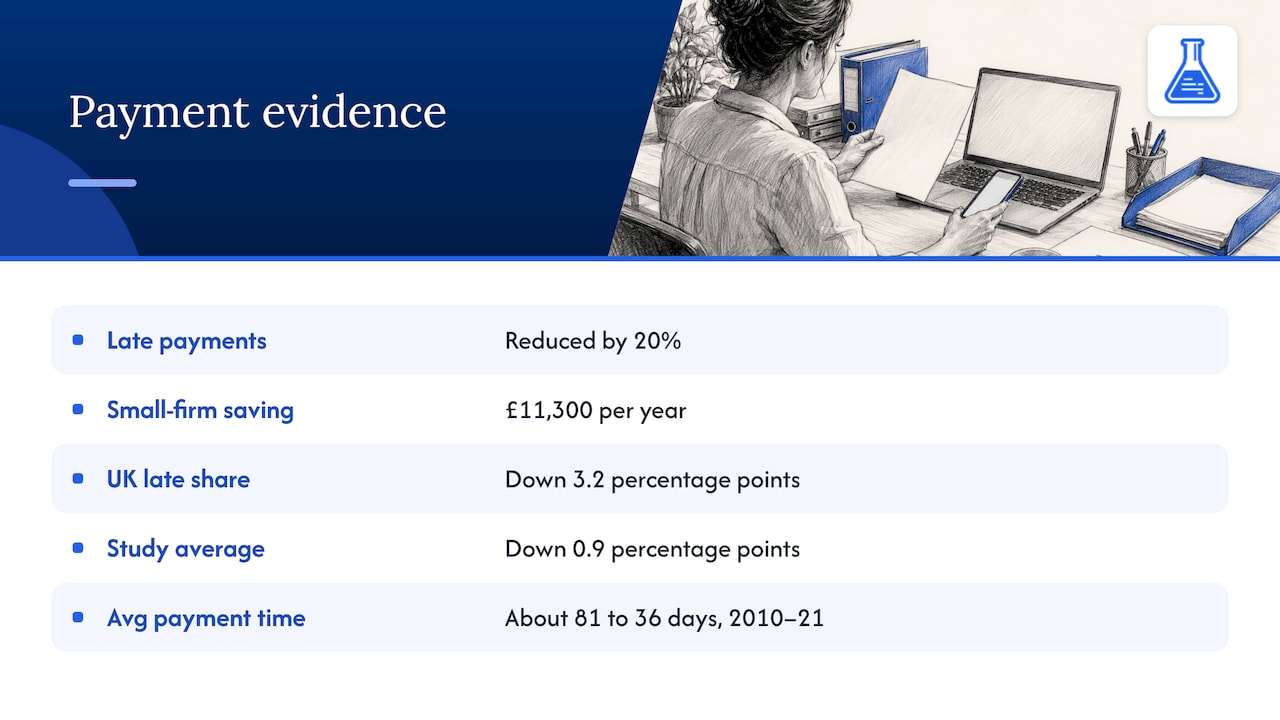
UK government consultation material cites industry research that e-invoicing reduces late payments by 20%, equal to a saving of £11,300 a year for small firms. A Cebr analysis found that e-invoicing cut the proportion of invoices paid late by 3.2 percentage points in the UK, against 0.9 points on average across the countries studied.
The backdrop matters too. An analysis of 58 million invoices from UK small and micro businesses found that average payment time fell from about 81 days in 2010 to about 36 days in 2020 and 2021, which the authors link to digitisation and easier tracking and chasing. Even so, 40% of credit invoices were still paid after the due date. Speed of delivery is only half the job. Visibility and an easy way to pay are the other half.
ICAEW makes a related point in its late-payments submission: where suppliers can see the status of an invoice online, drawn-out disputes tend to be less of a problem. If you want the mechanics of that on the approval side, see our piece on the invoice approval workflow.
Cash flow has a knock-on effect beyond the invoice itself. Regular, predictable income also helps when you later apply for credit, and there are practical tips for sole traders applying for a mortgage that start with showing steady earnings.
The 2029 rule that changes the question
For VAT-registered businesses, this is no longer only a matter of convenience. HMRC’s e-invoicing roadmap, published on 28 October 2026, says that from 1 April 2029 VAT-registered persons must issue VAT invoices for taxable supplies to other VAT-registered persons in the UK as e-invoices, and must also be able to receive them. The same page states that PDFs, word-processed documents, images, HTML web invoices and email do not count as e-invoices.
Three details help you place yourself:
- VAT invoices are not required for supplies to consumers or to businesses that are not VAT-registered.
- Limited exemptions are expected, including for digitally excluded persons.
- The roadmap confirms Peppol as the core interoperability framework, with full requirements due between October 2027 and April 2028. It also notes that several software providers have committed to including e-invoicing in their core packages at no extra cost for many small businesses.
In plain terms, an e-invoice is structured data that moves from your software into your client’s accounts, not a document someone has to read and retype. If you are not VAT-registered, nothing changes on this front today, but moving your invoicing into software now means you are not rebuilding your process under a deadline. Our explainer on PDF versus e-invoice for UK freelancers covers the difference in more detail.
What every invoice needs, whichever route you take
The format does not change what a UK invoice must show. GOV.UK says it must include a unique invoice number, your name and contact details, the customer’s name and address, a clear description of what you are charging for, the date of supply, the invoice date, the amounts charged, any VAT and the total owed. Sole traders must show their own name and any business name, plus an address for legal documents. Limited companies must use their full registered name.
For VAT invoices there are further required fields, which we list in 12 mandatory fields every UK VAT invoice must show.
On record-keeping, HMRC’s VAT Notice 700/63 says electronic invoices, including unstructured formats such as PDF, are acceptable today if authenticity, integrity and legibility are ensured and the customer agrees to receive invoices electronically. Copies must normally be kept for six years. A single store of invoices makes that straightforward. A scattering of sent emails does not.
Payment terms and late payment: set them on the invoice
A portal or an email will not fix vague terms. If there is no written agreement, the Office of the Small Business Commissioner says the default is 30 days from when the invoice is received, with longer terms of up to 60 days typical. Put the due date and terms on the invoice itself. Our payment terms examples give wording you can adapt.
If an invoice goes overdue, the government’s late payment framework sets statutory interest at the Bank of England reference rate plus 8 percentage points, with fixed recovery charges of £40, £70 or £100 depending on the size of the debt. The rate moves with the Bank of England’s rate, so check the framework page for the current position. When a client simply stops responding, the four-step escalation ladder shows the order to follow.
Which setup suits you
| Your situation | What matters most | Best fit |
|---|---|---|
| Freelancer sending a few invoices a month | Speed, looking professional | Create the invoice online and send it instantly with a pay button |
| Consultant with high-value invoices | Brand, clear terms, a record | Branded invoices with live status and a stored history |
| Agency with many clients | Chasing time, consistent look | A platform with multiple clients and companies, unlimited invoices |
| VAT-registered business invoicing other VAT-registered firms | Readiness for 2029 | Move invoicing into software now |
| One-off invoice, no regular billing | No sign-up friction | Accountless quick invoice |
Email remains useful as the message that tells the client an invoice is coming. The shift is in where the invoice itself lives: as a live, payable record rather than an attachment you cannot follow.
How to move from email to a payable invoice
- Gather your details once. Business name, address, VAT number if you have one, logo and colours, and your usual payment terms. Entering them once removes the most common source of inconsistent invoices.
- Create the invoice with tax calculated for you. Add the line items, any discount and the VAT rate. Real-time calculation means the total is right before the client sees it.
- Choose how the client will pay. Turn on card payment through Stripe so the client can settle in one click. The fee is 1% on card payments.
- Send it and watch the status. Delivery is instant. Check whether it has been viewed or paid rather than guessing.
- Chase on evidence. If the status shows it is still unpaid after the due date, your reminder is specific and justified, not a hopeful nudge.
For trades and other businesses where speed is critical, getting paid in 48 to 72 hours builds on the same routine.
Start with the free plan
InvoiceLabs has a Free plan at £0 per month with limited usage. Paid plans unlock more clients, companies and unlimited invoices: Starter at £9 per month, Professional at £19 per month and Business at £49 per month. Card payments on invoices carry a 1% fee. You can look at the plans and pricing or create a single invoice straight away with the free invoice generator.
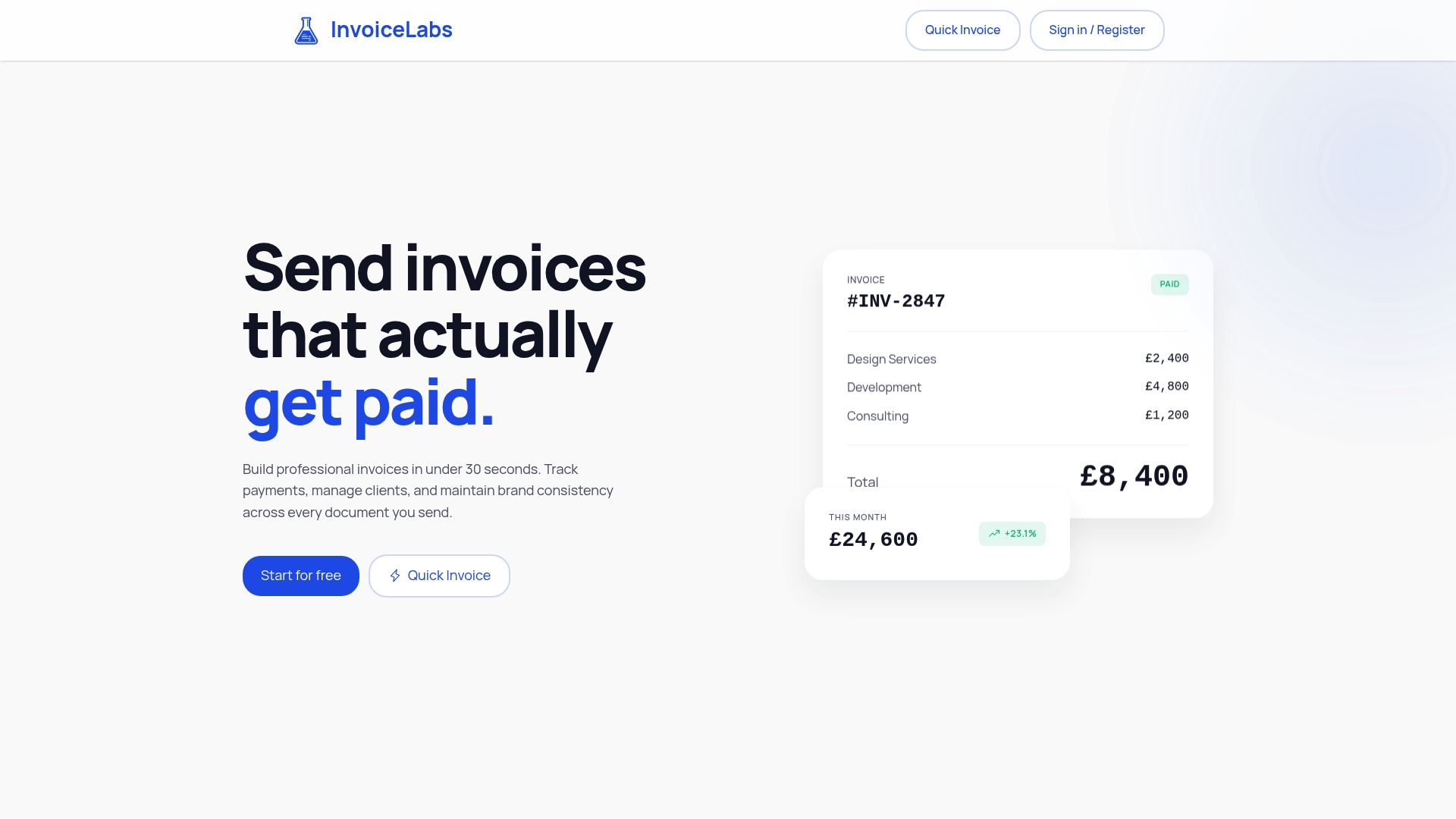
If you are a freelancer or a small agency, the free plan is a low-effort way to see your invoices, with their status and a pay button, in one place.
Our view
Most invoicing delays are not about clients refusing to pay. They happen because the invoice was easy to ignore: hard to find, awkward to pay, or impossible to check on.
We built InvoiceLabs around that. An invoice should take seconds to make, carry your brand, calculate its own tax and reach the client instantly. You should be able to see where it stands, and the client should be able to pay it right there by card.
A PDF in an inbox asks the client to do work. A branded invoice with a pay button asks them to click. For freelancers, consultants and agencies, that difference is the one that shortens the wait.
Black Flame Digital
FAQ
Is it still legal to send invoices by email in the UK?
Yes. HMRC’s VAT Notice 700/63 accepts electronic invoices, including PDFs, provided authenticity, integrity and legibility are ensured and the customer agrees to receive them electronically. The change comes on 1 April 2029, when VAT-registered businesses invoicing other VAT-registered businesses must use e-invoices, and email PDFs will not qualify.
Is email as secure as a banking portal?
A standard email is not designed to protect financial documents, and attachments can be forwarded or sent to the wrong address. An online invoicing platform keeps the invoice as a controlled record rather than a file in transit. InvoiceLabs uses bank-grade security, and card payments are handled through Stripe.
Do my clients need an account to pay?
They should not have to create one just to settle an invoice. With InvoiceLabs the client receives the invoice and can pay by card through Stripe from it. You can also create a one-off invoice without an account yourself using the quick invoice generator.
What should an invoice email say?
Keep the message short: the invoice number, the amount, the due date and how to pay. The invoice itself must contain the details GOV.UK requires, such as the unique number, both parties’ names and addresses, a description of the work, the supply and invoice dates, and the total owed including any VAT.
Sources
- Electronic invoicing: quantitative research into SME usage and attitudes (GOV.UK)
- Roadmap for e-invoicing implementation (GOV.UK)
- A Guide to Creating a Contract (Office of the Small Business Commissioner)
- Promoting electronic invoicing: consultation response (GOV.UK)
- The business and economic benefits of e-invoicing (Cebr)
- Payment Speed and Timeliness for UK Small & Micro Businesses
- Late Payments: Tackling Poor Payment Practices (ICAEW)
- Invoices: what they must include (GOV.UK)
- Electronic invoicing, VAT Notice 700/63 (GOV.UK)
- Late payment common framework (GOV.UK)
- Small deposit mortgages for sole traders: tips
Recommended
Send your next invoice in seconds
Create professional invoices, track payments and get paid faster — free to start.