Secure Online Invoicing: A UK Guide for Freelancers and Small Firms
Secure Online Invoicing: A UK Guide for Freelancers and Small Firms

Secure online invoicing means three things: your customer can trust the invoice really came from you, nobody can alter it on the way, and the money lands in your account, not a fraudster’s. In the UK, HMRC sets these as conditions for electronic VAT invoices, and the practical way to meet them is to send invoices from one dedicated system, keep bank details out of loose emails and Word files, and let customers pay through a payment link. InvoiceLabs is built around that approach: branded invoices created in under 30 seconds, delivered instantly, with live status tracking, bank-grade security and card payments through Stripe.
TL;DR
- An invoice carries your name, address, bank details and your customer’s details, so it is a target for tampering and redirection fraud.
- HMRC accepts electronic invoices when authenticity, integrity and legibility are ensured and the customer agrees to receive them this way.
- The most common attack is a fake change of bank details: confirm any change by phoning a number you already hold, never one in the message.
- Sending invoices from one branded system, with a payment link and status tracking, removes most of the weak points of emailed attachments.
- UK GDPR expects appropriate security for the personal data on your invoices; encryption is a sensible part of that.
Table of Contents
- Why invoices attract fraud
- What UK rules say about electronic invoices
- A practical checklist for sending invoices securely
- Paying invoices: stopping the fake bank-detail change
- Data protection: the personal data on your invoices
- What to look for in an online invoicing service
- When something goes wrong
- Where InvoiceLabs fits
- Our view on secure invoicing
- FAQ
- Sources
Why invoices attract fraud
An invoice is a short document with a lot in it. Names, addresses, a VAT number, what you sold, how much it cost and, usually, the account where you want to be paid. That is exactly what someone needs to impersonate you or a supplier.
The scale is not small. UK Finance’s Half Year Fraud Report, published in October 2025, recorded £19.9 million in invoice and mandate scam losses in the first half of 2025, 24% lower than the same period of 2024. Three quarters of that, £15 million, was lost from business accounts. Payment providers returned £9.2 million (46%) to victims, which also means more than half was not recovered.

The same report shows CEO fraud, where a criminal poses as a senior person and demands an urgent payment, had the highest average value of any scam type it tracks: just over £20,000 per confirmed case. For a freelancer or small agency, one lost payment of that size is a serious dent in the year.
The Stop! Think Fraud campaign describes how it usually happens: criminals hack a supplier’s email account, or register a lookalike domain, and send a convincing invoice with updated bank details. Nothing about the invoice looks wrong except the account number.
There are two sides to this, and you sit on both:
- Sending invoices. A fraudster intercepts or copies your invoice and changes the bank details before your customer pays. You then chase a payment that was already made, to the wrong person.
- Paying invoices. You receive a fake “updated bank details” message from a supplier and pay the wrong account.
What UK rules say about electronic invoices
You do not need permission to invoice electronically. HMRC says it is up to you whether to issue paper or electronic VAT invoices, and you do not have to tell HMRC you are doing so. What it does require is that your system ensures three things:
- Authenticity of origin: assurance of who the supplier is.
- Integrity of data: the content has not been altered.
- Legibility: the invoice can be read clearly.
The customer must also agree to receive invoices electronically. HMRC’s guidance adds that invoices should be transmitted in a secure environment using technologies such as HTTPS, SSL, S/MIME or FTP, and that you need internal controls to catch incomplete, duplicated or corrupted invoices, a recovery plan if your system fails, an audit trail, and storage that keeps the invoice data authentic and intact for the whole retention period. If you want background on how digital signatures are treated in law, this explainer on whether electronic signatures are legally valid is a good companion.
In plain terms: an invoice typed in a word processor, attached to an email and forwarded around is hard to defend on any of those three tests. An invoice created, sent and stored in one system with a history of who did what is much easier to defend.
If you are VAT-registered, security is only half the job: the invoice also has to show the right fields. HMRC lists them in the same guidance, including an identifying number, the date of supply and issue date, your name, address and VAT number, the customer’s name and address, a description of what you supplied, the VAT rate and the total VAT in sterling. Our guide to the mandatory fields on a UK VAT invoice walks through each one.
A practical checklist for sending invoices securely
This is the routine that closes most of the gaps. At each step we say where it goes wrong and what InvoiceLabs takes off your hands.
1. Create the invoice in one place
Start every invoice from the same system, not from a copied Word file or a spreadsheet. Old files get reused with the wrong details, and copies multiply across laptops and inboxes. Each stray copy is another way for an invoice to leak or be altered.
With InvoiceLabs you can create an invoice without an account in under 30 seconds, with tax and discounts calculated in real time, so the totals are right the first time and you are not hand-editing figures afterwards.
2. Make genuine invoices recognisable
The FSB advises comparing a suspicious invoice with known genuine ones and looking for irregular formatting or blurred logos. That works in your favour when every invoice you send looks identical: same logo, same colours, same layout. Your customer’s accounts team learns what the real thing looks like, and a fake stands out.
InvoiceLabs lets you customise the logo and colours so every invoice carries your brand, and offers templates tailored by profession.
3. Keep bank details out of loose emails and Word files
The Law Society of Scotland’s guidance on invoice hijacking says not to put bank details in the body of an email or send invoices with bank details as Word documents. A Word file can be edited by anyone who gets hold of it. For better security it points to a secure portal and password-protected online payment.
A payment link goes further than a PDF with an account number in it: the customer pays through the link, so there is no account number sitting in an email thread to be swapped. InvoiceLabs integrates Stripe so customers can pay by card straight from the invoice. The fee on card payments is 1%, and the platform has no hidden fees. If you also issue a downloadable PDF, treat it as a record, not as the only way to pay.

4. Send it directly and watch what happens
Email attachments from unknown senders are a classic phishing route, which is why many accounts teams are wary of them. Delivering the invoice straight from your invoicing system, to a contact you have already agreed with, keeps it consistent with what the customer expects. If you want to understand how accounts payable teams like to receive invoices, we cover how to email an invoice in a separate guide.
InvoiceLabs delivers invoices instantly and tracks their status, so you see whether an invoice has been sent and where it stands. If a customer says they never received it, or pays an amount that does not match, you spot the difference early instead of at month end.
5. Store and reconcile
HMRC expects storage that preserves authenticity and integrity and lets you recreate the invoice data as it was when sent. Reconcile invoices against payments regularly: the Stop! Think Fraud campaign lists regular reconciliation among the controls for UK businesses. A dashboard that shows paid, unpaid and overdue invoices at a glance makes this a five-minute habit, not a quarterly scramble. If a payment does not match, our guide to payment discrepancies shows how to audit and fix it.
For wider habits around handling invoice data, this small business guide to automating invoice processing covers more practical measures.
Paying invoices: stopping the fake bank-detail change
Even if your own invoicing is watertight, you will pay suppliers too: subcontractors, software, a co-working space. This is where payment diversion fraud bites. Every official source agrees on the core defence.
- Verify by phone, using a number you already hold. Business.gov.uk says to phone a trusted contact at the requesting organisation, never reply to the email or message, which may be cloned or hacked. The National Crime Agency says the same: call the genuine supplier on a previously used number and do not transfer money until everything is confirmed.
- Watch for pressure. The NCA also tells businesses to look for changes to invoice or bank details combined with urgency.
- Check the sender’s domain. The NHS Counter Fraud Authority advises checking for subtle domain-name changes and comparing details with the supplier’s official website. As an extra layer, it suggests asking the supplier to complete a signed bank account amendment form.
- Delay new details. The Stop! Think Fraud campaign suggests sign-off processes with a 14 or 30-day delay before approving new supplier account details.
- Separate approval from payment. No one person should both approve and pay an invoice. In a one-person business, ask your accountant or a trusted colleague to authorise high-value payments, as the NCA suggests.
- Test new payees. The FSB suggests sending a small amount first to a new supplier and confirming receipt before paying the balance. The Law Society of Scotland suggests £5 or £10 for large transfers, noting that less may trigger the bank blocking the payment as a potential scam.
Our own guide to invoice phishing scams shows what these messages look like in practice.
Data protection: the personal data on your invoices
Your invoices hold personal data whenever the customer is a sole trader or the contact is a named individual. UK data protection law, made up of UK GDPR and the Data Protection Act 2018 and enforced by the ICO, means you must store personal data securely against loss, theft or misuse, keep records of processing and notify the ICO of relevant breaches.
On encryption, the ICO is specific: UK GDPR does not require encryption of all personal information, but you should consider it to protect data in transit, on devices and on removable media, alongside other risk-based measures. It describes encryption as a widely available, relatively low-cost measure within a defence-in-depth approach. For an invoice, that means the link between you and your customer, the laptop or phone you create invoices on, and any USB drive or backup holding exports should all be protected.
Rules are also moving. The Data (Use and Access) Act 2025 received Royal Assent on 19 June 2025 and amends UK GDPR and the Data Protection Act 2018, with changes commencing in stages. The security duties for the data on an invoice stay a matter of appropriate technical and organisational measures, so the habits in this article remain the right ones. For a fuller walk-through, see our practical guide to GDPR and invoicing in the UK.
What to look for in an online invoicing service
Use these criteria to compare services, and see what each means for your day-to-day work.
| What matters | Why it matters | How InvoiceLabs covers it |
|---|---|---|
| Security of the platform | Invoices hold personal and bank data | Bank-grade security |
| Payment through a link | Takes bank details out of loose emails | Stripe card payments, 1% fee |
| Visibility | Spot missing or mismatched invoices early | Live invoice status tracking, instant delivery |
| Consistent branding | Helps customers recognise genuine invoices | Logo and colour customisation, profession templates |
| Correct totals | Fewer manual edits, fewer errors | Real-time tax and discount calculations |
| Clear pricing | No surprise costs when volume grows | Free, Starter, Professional and Business plans, no hidden fees |
| Records | You need a copy for HMRC retention | Downloadable PDF invoices |
If you are comparing several tools on features and price, our roundup of top invoicing software for small businesses sets them out side by side.
When something goes wrong
Speed decides whether money comes back. If you have paid a fraudulent invoice, the FSB says to contact your bank immediately and report fake invoices to Action Fraud. The NHS Counter Fraud Authority adds that the bank can then contact the receiving bank and ask it to suspend or freeze the funds, and that you should stop any further transactions to that payee at once.
If your own invoice was altered and a customer paid the wrong account, tell the customer to call their bank straight away, too. Keep the original invoice, the sent version and your delivery record. A system that stores what you sent and when gives you a clean paper trail for the bank and for Action Fraud.
Where InvoiceLabs fits
If you invoice at volume, or you want customers to pay online, the free plan lets you start at £0 per month, and paid plans add more clients, companies and unlimited invoices: Starter at £9 per month, Professional at £19 per month and Business at £49 per month. Card payments on invoices carry a 1% fee. You can see every plan on the InvoiceLabs pricing page, or create a one-off invoice without an account with the free invoice generator.
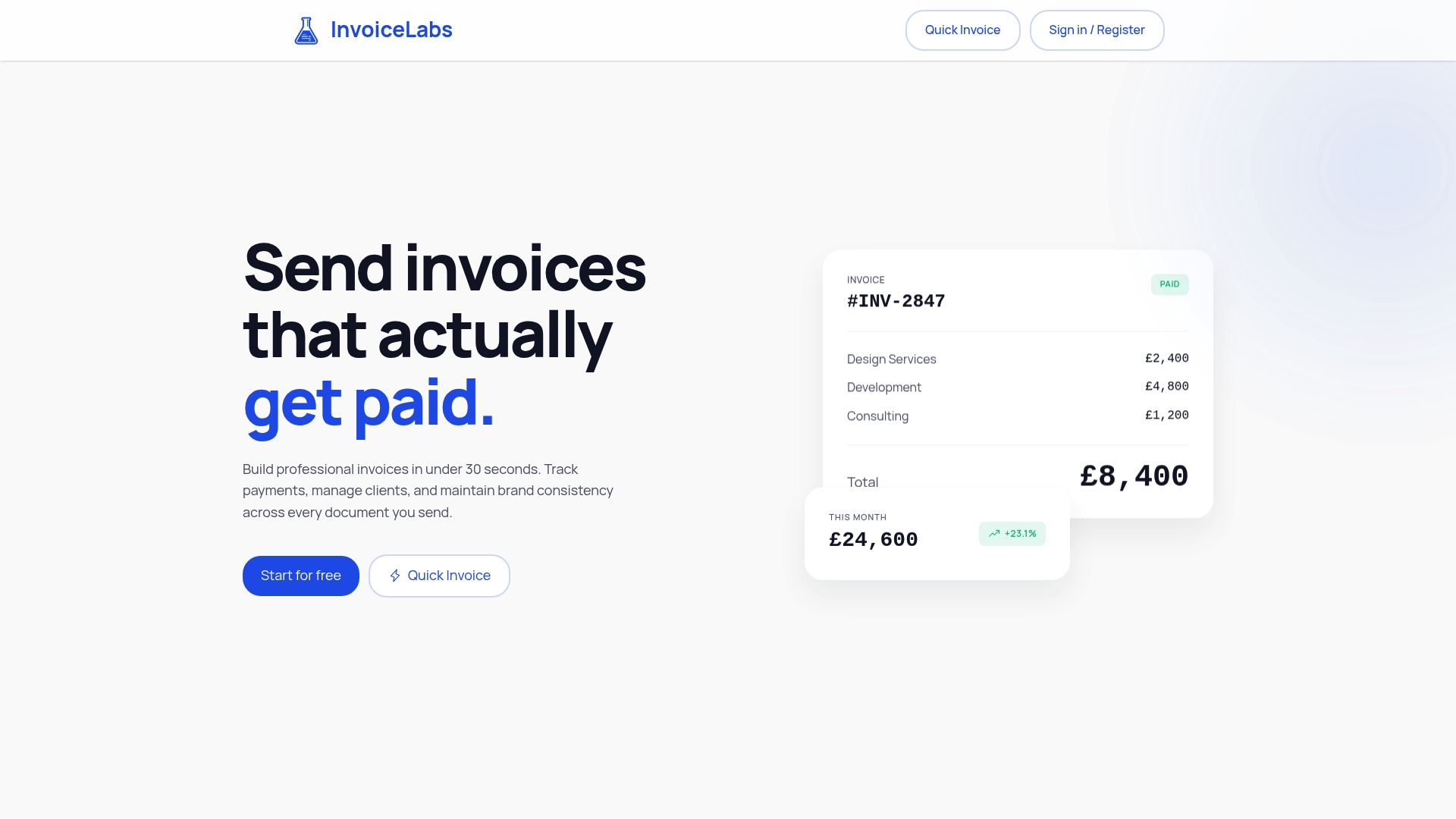
Branded invoices in under 30 seconds, instant delivery, live status and Stripe payments are designed to take the weak points out of the process, so each invoice looks like yours, reaches the right person and can be paid without anyone retyping an account number.
Our view on secure invoicing
Most invoice fraud works because of a gap: a PDF that can be edited, an account number typed into an email, a customer who cannot tell a real invoice from a good copy. We built InvoiceLabs to narrow those gaps without making invoicing slower.
Security that people skip is no security. That is why we focus on speed as well: if creating a correct, branded invoice takes under 30 seconds, nobody is tempted to reuse an old file or send a quick message with their bank details in it.
Our approach is simple. Every invoice comes from one place, looks the same every time, reaches the customer instantly, and can be paid through a Stripe card payment link. You can see its status as it moves, so a missing payment never goes unnoticed. All of it sits behind bank-grade security and without hidden fees.
For freelancers, consultants and small agencies, that is the practical meaning of secure online invoicing: fewer manual steps, fewer places for things to go wrong, and a clear record when you need one.
Black Flame Digital
FAQ
Is online invoicing legal and accepted by HMRC?
Yes. HMRC says it is up to you whether to issue paper or electronic VAT invoices, and you do not need to tell it you are going electronic. The conditions are that authenticity, integrity and legibility are ensured, and that your customer agrees to receive invoices electronically.
Can I create an invoice myself, and keep it secure?
Yes, any business can create its own invoice. To keep it secure, build it in one system, keep a consistent design, avoid putting bank details in the body of emails or editable Word files, and store a copy that cannot be altered. A free invoice generator is a quick way to produce a correct one-off invoice.
How do I know if a supplier’s change of bank details is genuine?
Phone them on a number you already hold, not one in the message, and do not reply to the email. Official guidance from Business.gov.uk and the National Crime Agency says the same. Check the sender’s domain for small changes and consider a delay before paying to new details.
Do I have to encrypt invoices under UK GDPR?
Not in every case. The ICO says UK GDPR does not require encryption of all personal information, but you should consider it for data in transit, on devices and on removable media as part of risk-based security. Invoices with personal details are a sensible place to apply it.
What should I do if a customer paid a fake invoice?
Contact your bank immediately so it can ask the receiving bank to freeze the funds, stop further payments to that payee, and report the fake invoice to Action Fraud. Keep copies of everything that was sent and received.
Sources
- Electronic invoicing (VAT Notice 700/63), GOV.UK
- Half Year Fraud Report 2025, UK Finance
- Protect your business, Stop! Think Fraud
- Avoiding online scams and fraud, Business.gov.uk
- Payment diversion fraud, NHS Counter Fraud Authority
- Invoice fraud infosheet, National Crime Agency
- How to avoid invoice fraud, FSB
- Invoice hijacking, Law Society of Scotland
- Encryption and data protection, ICO
- Data (Use and Access) Act 2025: data protection and privacy changes, GOV.UK
- Data protection in your business, Business.gov.uk
- How to automate invoice processing
- Are electronic signatures legally valid?
Recommended
Send your next invoice in seconds
Create professional invoices, track payments and get paid faster — free to start.


