Best Invoicing Software UK 2026: Compared by Cost and Fit
Best Invoicing Software UK 2026: Compared by Cost and Fit

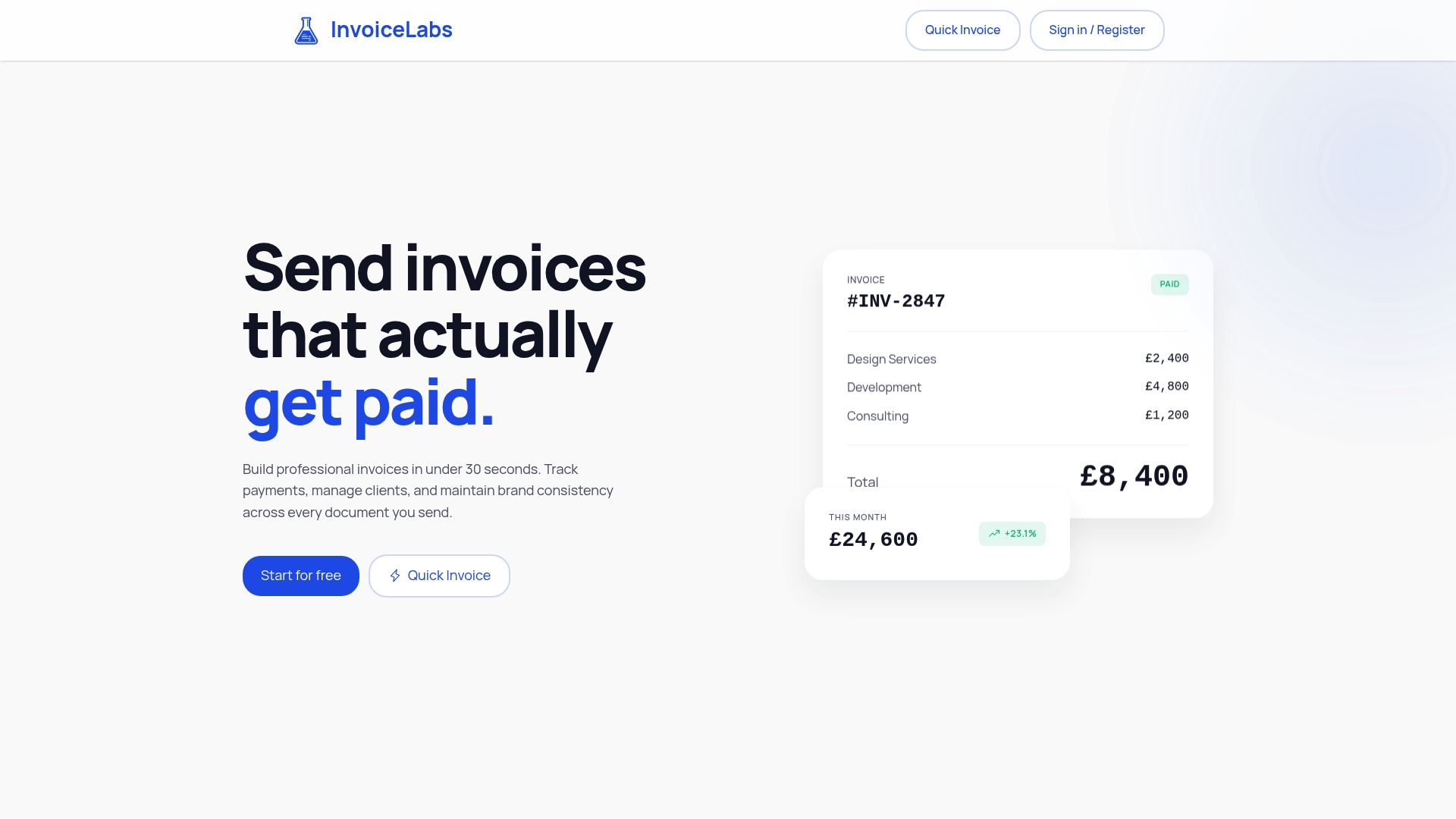
If you mainly need to send professional, branded invoices quickly and get paid sooner, InvoiceLabs is the best fit for UK freelancers, consultants, small agencies and small businesses. You can create an invoice in under 30 seconds, the tax is calculated as you type, and the invoice is delivered instantly and tracked until it is paid. Full accounting suites such as FreeAgent, Xero, QuickBooks and Sage cover more ground, but they cost more and bring bookkeeping you may not need just to bill clients.
This guide compares the main UK options on what matters when you invoice for a living: speed, branding, getting paid, tax rules, and what you pay each month.
TL;DR
- Best for fast, branded invoicing: InvoiceLabs has a free plan, then paid plans at £9, £19 and £49 a month, with invoices created in under 30 seconds.
- Best if you want full bookkeeping as well: FreeAgent, Xero, QuickBooks, Sage and Zoho Books are accounting suites, priced from roughly £16 to £19 a month before VAT at entry level.
- Late payment is the real cost: UK law lets you charge statutory interest and fixed compensation on overdue business invoices, so the software you choose should make chasing easy.
- Tax rules are changing: mandatory e-invoicing for VAT invoices is planned from 2029, so pick a tool that handles VAT correctly now.
Table of Contents
- What to look for in invoicing software
- The options compared
- Which one fits which reader
- Why late payment makes the software choice matter
- Tax changes that affect your choice
- A checklist before you choose
- Our perspective
- Try InvoiceLabs
- FAQ
- Sources
What to look for in invoicing software
Invoicing software has one job: turn work you have done into money in your account. Five things decide whether a tool does that well.
- Speed. If an invoice takes ten minutes, it goes out on Friday afternoon, or next week. Late invoices mean late payments.
- Correct tax. A VAT invoice must carry specific details. Regulation 14 of the VAT Regulations 1995 requires a unique sequential number, the time of supply, issue date, supplier and customer details, a description, the VAT rate and the amounts payable. Software that fills these in for you removes a common source of errors. Our guide to the fields every UK VAT invoice must show lists them one by one.
- Your brand. Your logo, colours and layout tell a client you are established. Consultants and agencies in particular lose credibility with a generic template.
- Getting paid. A card or payment link on the invoice, delivery you can see, and a status that shows whether the client has opened it and paid it.
- Price you can predict. A flat monthly fee, with any per-payment charge stated plainly.
Accounting suites add bank feeds, VAT returns and tax-return support. If you already pay an accountant or only need to bill clients well, those extras are often more than you need.
The options compared
Prices below are the published monthly prices at the time of writing and move when providers update their plans. Check each provider’s own pricing page before you commit.
| Option | Type | Entry price per month | Best for |
|---|---|---|---|
| InvoiceLabs | Dedicated invoicing | Free; paid plans £9, £19, £49 | Fast, branded invoices and quicker payment |
| FreeAgent | Accounting | £19 (sole trader), ex VAT | Sole traders wanting bookkeeping |
| Xero | Accounting | £16 (Ignite), ex VAT | Small businesses with an accountant on Xero |
| QuickBooks | Accounting | £16 (Simple Start), ex VAT | Small businesses wanting a broad suite |
| Sage Accounting | Accounting | £18 (Start), ex VAT | Businesses already used to Sage |
| Zoho Books | Accounting | Free plan below £35,000 turnover | Small firms wanting automation |
InvoiceLabs: the pick for quick, branded invoices
InvoiceLabs is built around one task: sending a professional invoice fast. You can create one in under 30 seconds, and you can even use the free invoice generator without creating an account. Tax and discounts are calculated in real time, the invoice is delivered instantly, and you can follow its status so you know when to chase.
Branding is fully customisable, with your logo and colours, and there are invoice templates tailored by profession. Multi-currency support helps if you bill overseas clients, and every invoice can be downloaded as a PDF. Clients can pay by card through Stripe, and you can invoice from your phone. Our security is bank-grade, and our pricing has no hidden fees.
The plans are simple:
- Free: £0 per month, with limited usage.
- Starter: £9 per month.
- Professional: £19 per month.
- Business: £49 per month.
Paid plans unlock more clients, more companies and unlimited invoices. Card payments taken on invoices carry a 1% fee. You can see the full plan list on the InvoiceLabs pricing page.
FreeAgent
FreeAgent prices by business type rather than by tier. According to a 2026 agency shortlist, it costs £19 a month for sole traders, £27 for partnerships and LLPs and £33 for limited companies, excluding VAT, with an introductory discount. The same source says it is free for customers who hold certain NatWest Group or Mettle business accounts and meet a monthly transaction condition. It suits people who want invoicing and bookkeeping in one place.

Xero
Xero’s UK plans are, according to one 2026 pricing review, Ignite at £16, Grow at £37, Comprehensive at £50 and Ultimate at £65 a month, excluding VAT. It is widely used by accountants, which helps if yours already works in it. Invoicing is one feature among many.

QuickBooks
A 2026 pricing guide lists QuickBooks UK as Simple Start at £16, Essentials at £33, Plus at £47 and Advanced at £115 a month plus VAT. It is a broad suite, and the right choice if you want inventory, projects or multi-user access in the same product.
Sage Accounting
Sage’s three UK tiers cost £18 a month (Start), £39 (Standard) and £59 (Plus) plus VAT, while Sage 50 for larger businesses starts from £77 a month. Sage is a sensible fit for firms that already run on it.
Zoho Books
Zoho Books is, according to a 2026 UK review, recognised by HMRC for Making Tax Digital for VAT and for Income Tax. Its free plan is limited to businesses with turnover below £35,000, and it offers recurring schedules, reminders, a customer portal and payment links. It is an accounting product first, so expect more setup than a dedicated invoicing tool.
Which one fits which reader
Freelancers
A freelancer’s problem is usually not bookkeeping, it is the time between finishing a job and sending the invoice. A tool that produces a branded invoice in seconds, with a payment option on it, shortens that gap. Start on the free plan and move to Starter at £9 a month when you need more clients. Our comparison of invoicing software for freelancers goes deeper, and our invoice templates for UK freelancers show what a good layout contains.
Consultants
Consultants sell trust. An invoice with your logo, your colours and clear tax lines reads as part of the same service as the proposal. Full brand customisation and profession-based templates are built for this. Professional at £19 a month gives room to grow.
Agencies
Agencies send many invoices to many clients, and chasing them eats time. Live status tracking shows which invoices have been delivered and which are still unpaid, and card payment on the invoice lets a client settle it the moment they open it. If you bill across several companies, the Business plan at £49 a month is the one to look at.
Small business owners
If cost matters most, compare the monthly fee with what you will actually use. A business that sends invoices but passes its books to an accountant rarely needs a full suite. Our guide to the cheapest invoicing software alternatives and the top invoicing software for small businesses set out the range.
Why late payment makes the software choice matter
Getting paid on time is partly a matter of law and partly of process, and your software should support both.
The Office of the Small Business Commissioner explains that statutory interest on late business-to-business payments is 8% a year over the Bank of England base rate, starting the day after payment was due. Under section 5A of the Late Payment of Commercial Debts (Interest) Act 1998, you can also claim fixed compensation of £40 for a debt under £1,000, £70 for £1,000 to £9,999.99 and £100 for £10,000 or more.
The government’s guide to the late payment rules says that, unless agreed otherwise and not grossly unfair, businesses must pay within 60 days, and public authorities within 30 days of receiving the invoice. Interest is simple: the debt multiplied by the rate and the days late, divided by 365.
A worked example: a client owes you £2,000 and pays 30 days late. At a base rate of, say, 4%, the interest rate is 12%. That is £2,000 × 12% × 30 ÷ 365, or about £19.73, plus £70 fixed compensation. The sums are small, which is why the best protection is a clear due date on the invoice, instant delivery and an easy way to pay.
Tax changes that affect your choice
Two changes are worth knowing about.
Making Tax Digital for Income Tax. HMRC’s roadmap says it begins to roll out from April 2026 for people with incomes of £50,000 and above, with further groups in later years. If you are in scope, you will need software that keeps digital records, and your accountant can tell you which tool they work with.
E-invoicing. A government consultation response says the UK will introduce mandatory e-invoicing for VAT invoices from 2029, applying to business-to-business and business-to-government transactions where VAT is due. An implementation roadmap was due at Budget 2026, so check GOV.UK for the latest.
One more rule helps with small jobs: a simplified VAT invoice may be used where the total does not exceed £250, and it needs the supplier’s name, address and registration number, the time of supply, a description, the total including VAT and the VAT rate. If you invoice before the work is done, see how to convert a pro forma into a compliant VAT invoice.
A checklist before you choose
- List what you send each month. If it is invoices, not bookkeeping, a dedicated tool is enough.
- Check the payment route. Can the client pay by card from the invoice? Our guide to Stripe for invoicing compares the routes.
- Look at the real monthly price. Note whether the quote is before VAT and whether card payments carry a fee.
- Test the branding. Your logo and colours should carry through to the PDF.
- Confirm currency support if you bill outside the UK.
- Think about your accountant. If they require a specific package, ask before switching.
Our perspective
Most of the invoicing problems we hear about are not accounting problems. They are speed problems: an invoice that is sent late, looks generic, or gives the client no easy way to pay.
That is why we built InvoiceLabs around a simple idea. An invoice should take under 30 seconds, carry your brand, calculate tax as you type, reach the client instantly and show you its status. When the invoice also lets the client pay by card through Stripe, the distance between work done and money received gets shorter.
We think freelancers, consultants and agencies deserve tools matched to how they really work, with plans that start free and a price you can read without a calculator.
Black Flame Digital
Try InvoiceLabs
If speed and presentation are what you are after, InvoiceLabs lets you start for £0 a month and upgrade to Starter at £9, Professional at £19 or Business at £49 as you add clients and companies. You can create your first invoice in under 30 seconds.
You can try the free invoice generator without an account, or look at the plans when you are ready to send invoices regularly.
FAQ
What is the best invoicing software for UK freelancers?
For most freelancers, the best option is one that creates branded invoices quickly and lets clients pay online. InvoiceLabs does this in under 30 seconds and starts free. If you also want bookkeeping, a suite such as FreeAgent at £19 a month for sole traders covers that.
Is there free invoicing software in the UK?
Yes. InvoiceLabs has a free plan with limited usage, and you can create a quick invoice without an account. Zoho Books also has a free plan for businesses with turnover below £35,000.
Do I need accounting software to send invoices?
No. Invoicing software creates and tracks invoices, while accounting software also handles bookkeeping, VAT returns and reports. If your accountant looks after your books, a dedicated invoicing tool is often all you need day to day.
What must a UK VAT invoice include?
It needs a unique sequential number, the date of issue and time of supply, supplier and customer details, a description and quantity of the goods or services, and the VAT rate and amount. Simplified invoices can be used for totals up to £250.
Sources
- Regulation 14, VAT Regulations 1995
- Regulation 16A, VAT Regulations 1995
- Late Payment of Commercial Debts (Interest) Act 1998, section 5A
- Office of the Small Business Commissioner, payment rights guide
- Users guide to the recast Late Payment Directive
- HMRC transformation roadmap, Annex B
- GOV.UK e-invoicing consultation response
- Best Accounting Software UK (2026): An Agency Shortlist
- Sage vs QuickBooks vs FreeAgent UK Sole Traders 2026
- Xero Pricing UK 2026
- QuickBooks pricing UK 2026
- Zoho Books Review UK 2026
Recommended
Send your next invoice in seconds
Create professional invoices, track payments and get paid faster — free to start.


