Set Up Invoice Payment Reminders for SMBs in Under 2 Hours
Run a 4 to 6 touchpoint reminder cadence: a friendly note before the due date, a due-date nudge, then escalating overdue messages at 3 to 5 days, 7 to 14 days, and 30-plus days. Every message needs the invoice number, amount owed, and a working pay link — key elements to optimize through an accounts receivable workflow that actually shortens your DSO. Automate the sequence with stop-on-payment logic so paid invoices stop triggering emails, and let the tone get firmer as time passes. InvoiceLabs handles the whole workflow if you’d rather not build it by hand.
TL;DR:
- A 4 to 6 touchpoint reminder cadence should start three to seven days before the due date and escalate as overdue, with final notices after 30 days.
- Every reminder must include the invoice ID, amount due, due date or overdue days, a direct pay link, and a contact point to ensure prompt payment.
- Tone should progress from helpful and casual before due date to firm and specific after 30 days overdue, with offers for troubleshooting or payment plans along the way.
- Automating reminders requires standardizing invoice data, embedding pay links, using a recognizable sender address, and testing the stop-on-payment logic to prevent duplicate messages.
- Effective subject lines include invoice details and overdue status, and early setup prevents reminder fatigue and improves collection success over random or poorly timed messages.
Table of Contents
- What Is the Best Invoice Reminder Schedule?
- What Should Every Invoice Reminder Include?
- How Should Tone Change as an Invoice Ages?
- How Do You Automate Invoice Reminders Without Duplicate Emails?
- When Can You Charge a Late Fee or Escalate to Collections?
- How Do You Roll Out a New Reminder System in One Sitting?
- What Subject Lines Get Invoice Reminders Opened?
- Why Most Reminder Sequences Fail Before They Start
- Get Your Reminder System Running Today
- Sources
What Is the Best Invoice Reminder Schedule?
A 4 to 6 touchpoint cadence covers the full life of an invoice without turning into spam. It starts before the bill is even late and escalates only as needed.
Here’s the schedule worth adopting:
- 3 to 7 days before due date: a courtesy heads-up, framed as a service, not a demand
- On the due date: a short note confirming the invoice is now payable
- 3 to 5 days overdue: a polite check-in assuming an oversight
- 7 to 14 days overdue: firmer language, restating terms and consequences
- 30-plus days overdue: a final notice referencing next steps
The pre-due reminder does more work than people give it credit for. Stripe’s guidance notes it exists mainly to head off the “I forgot” excuse before it happens, not to chase money that’s already late. For subscription clients or invoices under a small threshold, you can compress this to 3 or 4 touchpoints. For high-value invoices or new clients with no payment history, add a phone call alongside the 14-day mark. The schedule is a default, not a rulebook.
What Should Every Invoice Reminder Include?
Every reminder, regardless of stage, needs the same five pieces of information. Skip one and you create friction that slows the payment down.
- Invoice ID so the client can find the original document in seconds
- Amount due, stated plainly, with currency
- Due date (or days overdue, once the invoice has passed it)
- A direct pay link so the client doesn’t have to hunt for a payment method
- A contact point for questions, disputes, or purchase order confirmation
If your contract includes a late-fee clause, state it explicitly when the invoice becomes overdue. Templates that reattach the original invoice and lead with a clickable pay link consistently perform better than plain-text notes.
Here are five templates to adapt:
- Pre-due: “Hi [Name], just a heads-up that invoice #[ID] for [amount] is due on [date]. Here’s your [pay link] whenever you’re ready.”
- Due day: “Hi [Name], invoice #[ID] for [amount] is due today. You can pay directly [here]. Let us know if anything’s unclear.”
- 5 days overdue: “Hi [Name], invoice #[ID] for [amount] was due on [date] and hasn’t come through yet. Pay [here], or reply if there’s an issue we should know about.”
- 15 days overdue: “Hi [Name], invoice #[ID] is now 15 days past due. Per our terms, [late fee if applicable] may apply. Please settle via [pay link] or contact us to arrange a plan.”
- 30-day final notice: “Hi [Name], invoice #[ID] for [amount] remains unpaid at 30+ days overdue. This is a final reminder before we escalate per our payment terms. Pay [here] or call us directly.”
Swap in your own voice, but keep the structure. The fields matter more than the phrasing.
How Should Tone Change as an Invoice Ages?
Tone is the difference between a reminder that gets paid and one that gets ignored. Start warm, get direct, and save anything resembling legal language for the very end.
- Pre-due and due-day: helpful and casual. “Just a heads-up” works better than “payment is required.”
- 3 to 14 days overdue: neutral and direct. State the facts, restate the pay link, avoid apologizing for following up.
- 30-plus days: firm and specific. Reference your payment terms and name the next step, whether that’s a late fee, a collections referral, or a paused engagement.
Before you tighten the screws, offer an off-ramp. Ask if there’s a PO number missing, offer to resend the invoice, or propose a short payment plan for a client who’s usually reliable. Watch for red flags that justify skipping straight to firmer language: a client who’s gone silent across multiple channels, a bounced payment method, or a pattern of late payments across several invoices in a row.
Pro Tip: Never send collection-style language from a reminder that also has a typo in the amount or the wrong due date. A tone mismatch on top of a factual error kills your credibility on the one message that’s supposed to restore urgency.
How Do You Automate Invoice Reminders Without Duplicate Emails?
Automation only works if it’s built on clean data. Here’s the setup checklist before you flip the switch:
- Standardize invoice IDs across every client and template. Inconsistent formatting is the top cause of automation failing silently.
- Use a real sender address, not a noreply inbox. A named sender with a reply-to address gets opened and answered more often than an automated-looking one.
- Embed one-click pay links in every template, so the client never has to search for a way to pay.
- Enable stop-on-payment logic. Stripe’s invoicing documentation confirms that automated systems should skip sending a reminder once a payment is already processing, which prevents the awkward “I already paid this” reply.
- Build one template per stage (pre-due, due-day, and each overdue tier) rather than one generic message with a tone that doesn’t fit every stage.
The most common mistake in the manual-to-automated transition is turning on the full sequence before testing it. Run a pilot batch of 5 to 10 invoices first, confirm the stop-on-payment trigger actually fires, and only then roll it out across your full client list.
Pro Tip: If you’re testing this yourself, send a test invoice to your own inbox, mark it paid, and confirm the next scheduled reminder never fires. That single test catches most automation bugs before a real client sees them.
When Can You Charge a Late Fee or Escalate to Collections?
A late fee only holds up if it’s written into your contract or stated on the original invoice terms. You cannot add one retroactively once a payment is already overdue, and UK government guidance on late commercial payments lays out the interest and recovery rules businesses can rely on when a client won’t cooperate.
The UK has also moved to tighten protections for smaller suppliers, with legislation aimed at cracking down on late payment practices that disproportionately hurt small businesses waiting on cash flow.
Before escalating past your 30-day notice, check these boxes:
- Confirm your contract or invoice terms actually specify a late-fee rate or interest clause
- Keep a paper trail of every reminder sent, including dates and content
- Consider a final written notice before involving a collections agency or small claims
Formal recovery is a last resort, not a first response. Most overdue invoices resolve well before that stage if your reminder sequence is consistent.
How Do You Roll Out a New Reminder System in One Sitting?
You can implement this entire system in under two hours if you work through it in order.
- Audit your invoices (15 minutes): confirm every invoice has a consistent ID format, a working pay link, and a sender address that isn’t a noreply inbox.
- Build your five templates (30 minutes): pre-due, due-day, 5-day, 15-day, and 30-day final notice, using the wording above as a starting point.
- Schedule the cadence (15 minutes): set the timing windows into your invoicing tool or calendar reminders.
- Test with a small batch (20 minutes): send the sequence to 5 to 10 real or test invoices and confirm stop-on-payment works.
- Enable full automation and assign monitoring (10 minutes): turn it on for your full client list, and have one person check performance weekly for the first 30 days.
Treat the first month as a trial run. Adjust timing or tone based on what actually gets replies.
What Subject Lines Get Invoice Reminders Opened?
The subject line decides whether your reminder gets read or buried. Five formulas cover almost every stage:
- Invoice facts: “Invoice #1042 · $850 due March 12”
- Quick check: “Quick check on invoice #1042”
- Due today: “Invoice #1042 is due today”
- Action required: “Action needed: invoice #1042, 7 days overdue”
- Final notice: “Final notice: invoice #1042, 30 days overdue”
Including the invoice number and due date directly in the subject line cuts down on the back-and-forth of clients asking which invoice you mean. Personalize with the client’s name in the preview text when your tool supports it, but keep the subject itself scannable in under six words.
Why Most Reminder Sequences Fail Before They Start
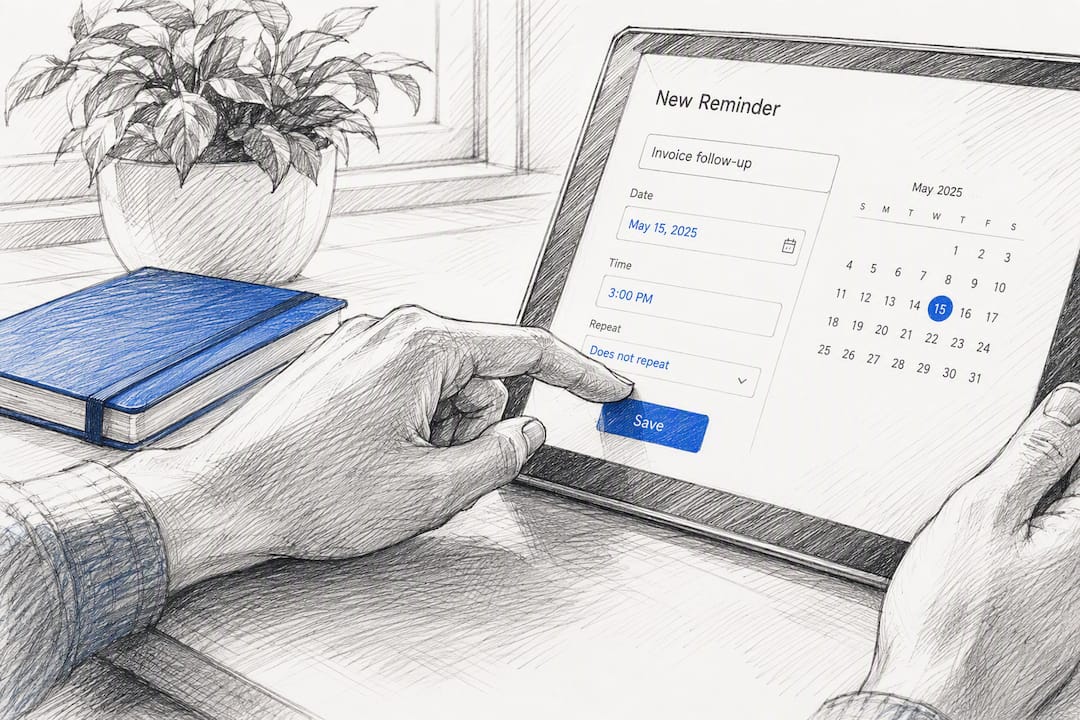
Most businesses don’t fail at writing reminders. They fail at the setup underneath them. Reminder fatigue is real: clients who get five identical-sounding emails a week stop reading any of them, and a noreply sender address makes even a polite message feel like a threat.
Set realistic expectations too. Automated reminders reduce the number of invoices that go seriously overdue, but they don’t fix a client who genuinely can’t pay. Treat the sequence as a system for catching oversights, not a guarantee of full recovery.
— Black Flame Digital
Get Your Reminder System Running Today
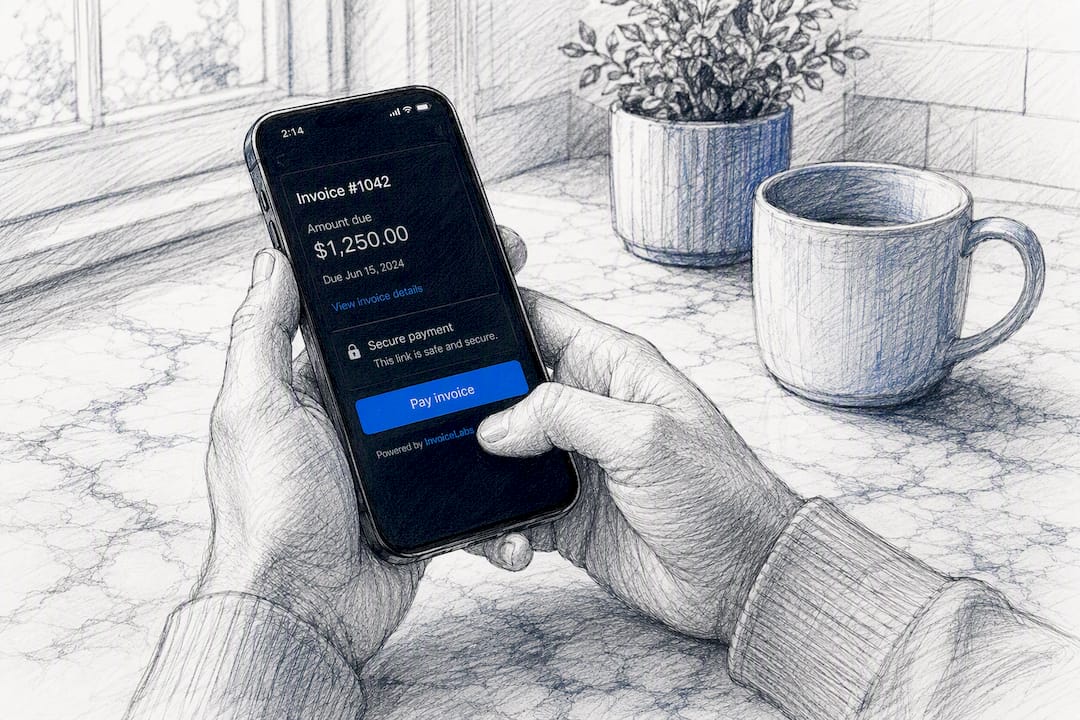
Building this cadence by hand across spreadsheets and email drafts is exactly the kind of cumbersome process that delays payment in the first place. InvoiceLabs is built around the checklist above: invoices go out in under 30 seconds, every one carries a Stripe pay link, and automated reminders respect stop-on-payment behavior so a client who’s already paid never gets a confusing follow-up.

You get branded templates by profession, whether you’re a web developer, a graphic designer, or a consultant, so your reminders match the same look as your original invoice instead of arriving as a mismatched afterthought. For a broader look at structuring your billing workflow around this kind of automation, InvoiceLabs also breaks down payment terms wording worth locking in before your first reminder goes out.
If you want to see the pay link and tracking in action before committing to anything, try the free invoice generator on your next real invoice and watch how the reminder sequence behaves from the first email onward.
This article is general information, not a substitute for advice from a qualified financial advisor. Consult a qualified financial professional about your own circumstances before acting on anything here.
Sources
- Payment reminders: A guide for businesses | Stripe
- Automatic reminders for one-off invoices | Stripe Docs
- Gov
- How to write a Payment Reminder Email (with Templates) | Koalendar
Recommended
Send your next invoice in seconds
Create professional invoices, track payments and get paid faster — free to start.


