Top 6 Alternatives to FreshBooks In 2026

Managing invoices, payments, and branding wastes hours for freelancers and small businesses. Many invoicing tools limit free usage, restrict integrations, or delay access to real-time payment tracking and branding controls. This comparison shows each alternative’s price, features, and payment integrations so freelancers and small businesses can match the best fit to their billing needs.
Table of Contents
InvoiceLabs
At a Glance
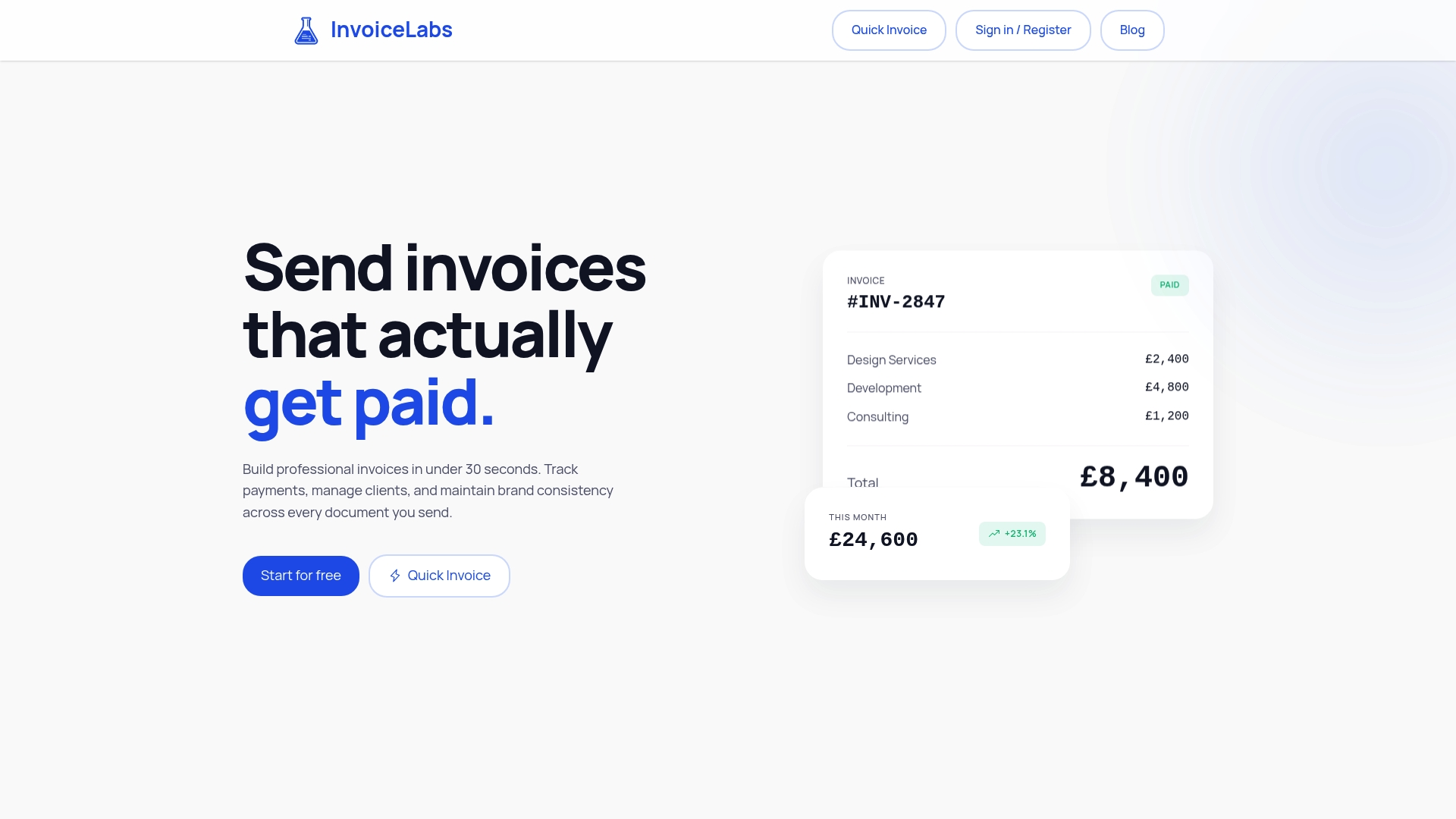
InvoiceLabs reports users can build fully branded invoices in under 30 seconds. The platform advertises real-time tax calculations, instantaneous delivery of invoices, and the ability to track invoice statuses as payments move. The vendor also highlights bank-grade security and no hidden fees as part of its offering.
Core Features
InvoiceLabs focuses on rapid invoice creation with tools that let you upload logos, set brand colors, and use customizable templates. It tracks payments and invoice status in real time and supports one-click client payments through Stripe. The product also includes recurring invoices, automatic reminders, receipt scanning with AI automation, and reports for receivables, income, and taxes.
Key Differentiator
Build speed and professional branding define InvoiceLabs. The product emphasizes producing a finished, branded invoice in under 30 seconds and tailoring fields to typical freelancer and agency workflows. That speed pairs with branding controls so outgoing invoices match client-facing materials.
Pros
Fast invoice creation fits tight schedules and reduces admin time for freelancers and small teams. Brand controls and multi-currency support let you send consistent documents to international clients. Integrated one-click payments via Stripe and automatic reminders help shorten the time between sending an invoice and getting paid.
Cons
- Free plan allows only one client and one invoice per month, which limits use for growing businesses.
Notable Integrations
InvoiceLabs connects directly to Stripe for card payments and instant collection. The Stripe connection enables client-side one-click payments and supports payout routing managed by Stripe. No other accounting or bookkeeping integrations are listed.
Who It’s For
Freelancers and solo professionals who need to send polished invoices fast will benefit most. Small businesses that run recurring billing and want branded documents also fit the product profile. Agencies that manage multiple client invoices may need a paid tier for added capacity.
Unique Value Proposition
One-click client payments via Stripe shorten the billing to collection loop and reduce friction for client payments. Real-time payment tracking and automatic reminders let you see when a client views and pays an invoice. For fee-conscious freelancers, the free tier provides a low-friction way to generate branded invoices before upgrading.
Real World Use Case
A freelance graphic designer creates an invoice with the client logo, sets the currency, and sends the invoice in under a minute. Invoice status updates show when the client opens the invoice and pays with a saved card via Stripe. Automatic reminders chase late payments so the designer spends less time on follow-up.
Pricing
InvoiceLabs offers a Free plan plus three paid tiers: Starter at £9/month, Professional at £19/month, and Business at £49/month. Paid plans remove the free-tier limits and add features such as multiple companies and unlimited invoices. The vendor notes that third-party payment processing and some automations may involve additional fees.
Website: https://invoicelabs.io
Wave
At a Glance
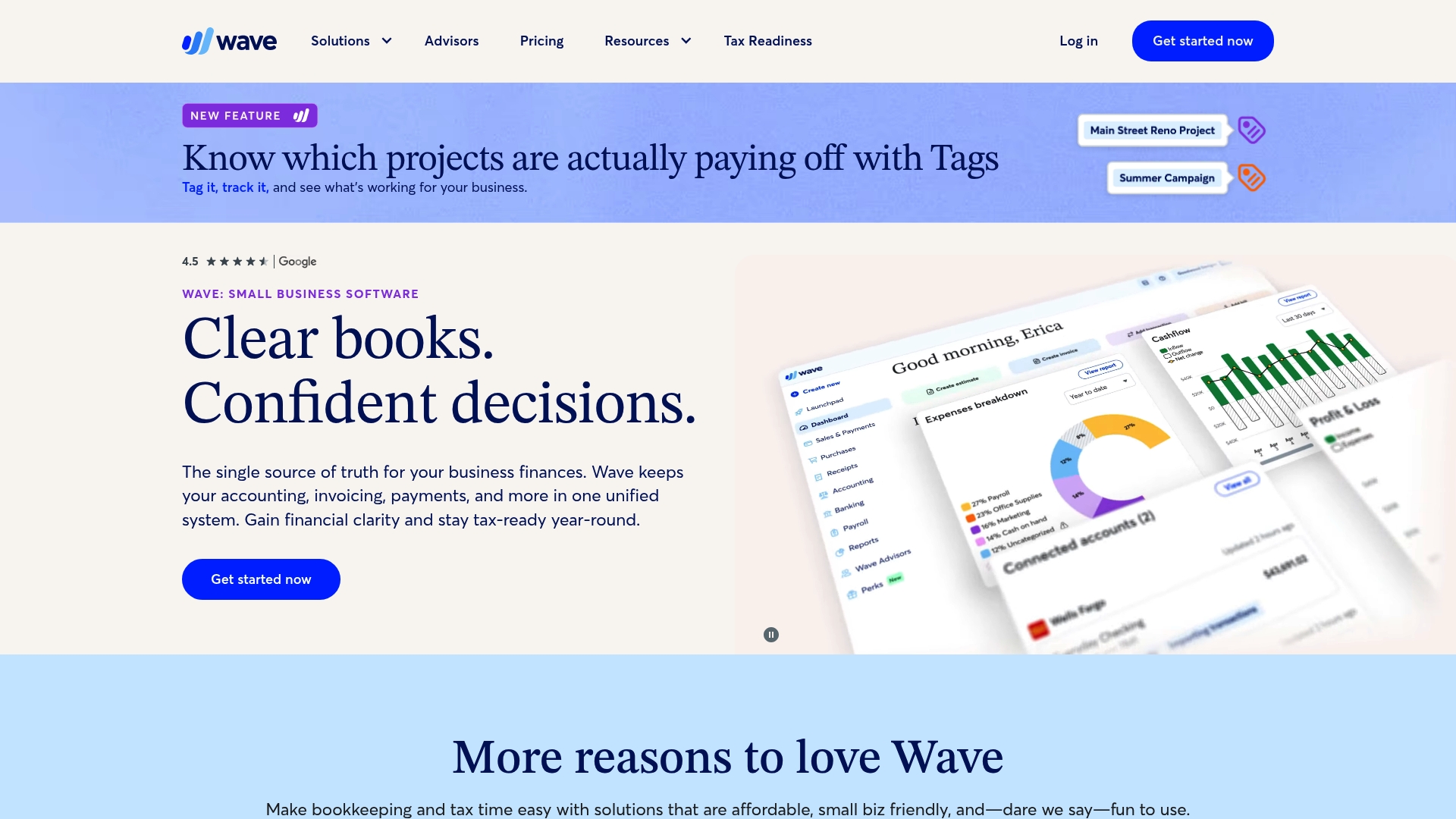
Wave offers free accounting and invoicing as part of a freemium model while paid features begin at $19/month. The platform bundles bookkeeping, invoicing, payments, and payroll into one interface. That approach makes routine financial tasks accessible to freelancers and very small businesses without accounting training.
Core Features
Wave combines core bookkeeping with invoicing and payment collection, and it imports bank transactions automatically for categorization. The product also includes expense tracking with receipt capture, mobile apps for on the go updates, and basic financial reports like profit and loss. Automation tools such as recurring invoices and late payment reminders reduce manual follow up.
Key Differentiator
Wave’s standout angle is the breadth of free functionality aimed at very small businesses and solo operators. Many competitors charge for basic accounting or invoice features that Wave keeps available without a subscription. That positioning targets people who need clear, simple money management without an accountant.
Pros
Wave gives solopreneurs a low barrier to start by offering free accounting and invoicing alongside paid add ons. The interface is straightforward, so setup and daily use require little bookkeeping expertise. The company also offers optional hands off bookkeeping and financial guidance through Wave Advisors, which helps users who want professional support without hiring a local bookkeeper.
Cons
- Bank syncing can disconnect or lag, which may force manual reconciliation more often than expected.
- Customer support is reported as hard to reach, delaying fixes for transaction or payment problems.
- Advanced reporting and customization are limited, so growing businesses will outgrow the toolkit.
- Payroll and premium support add costs that accumulate as headcount or needs expand.
When It May Not Fit
If your business requires detailed analytics or customizable financial reports, Wave will feel restrictive. Rapidly growing teams that need more reliable bank integrations should look elsewhere. Companies with complex payroll rules or multiple states may face higher third party costs.
Who It’s For
Wave fits freelancers, contractors, and very small business owners who prioritize low cost and simplicity. Choose Wave when you need clean invoices, basic bookkeeping, and easy expense capture without a steep learning curve. Avoid it when you need enterprise reporting or rock solid bank feeds.
Real World Use Case
A freelance photographer sends branded invoices from a phone, captures receipts after shoots, and reconciles bank downloads once a week. The mobile app lets them update invoice status between client meetings. If they want help, they can pay for hands off bookkeeping from Wave Advisors for quarterly tax prep.
Pricing
Wave uses a freemium model with free accounting and invoicing available at no charge. Paid plans start at $19/month for Wave Pro. Additional fees apply for payroll, receipt capture, and premium support depending on services selected.
Website: https://waveapps.com
Harvest
At a Glance
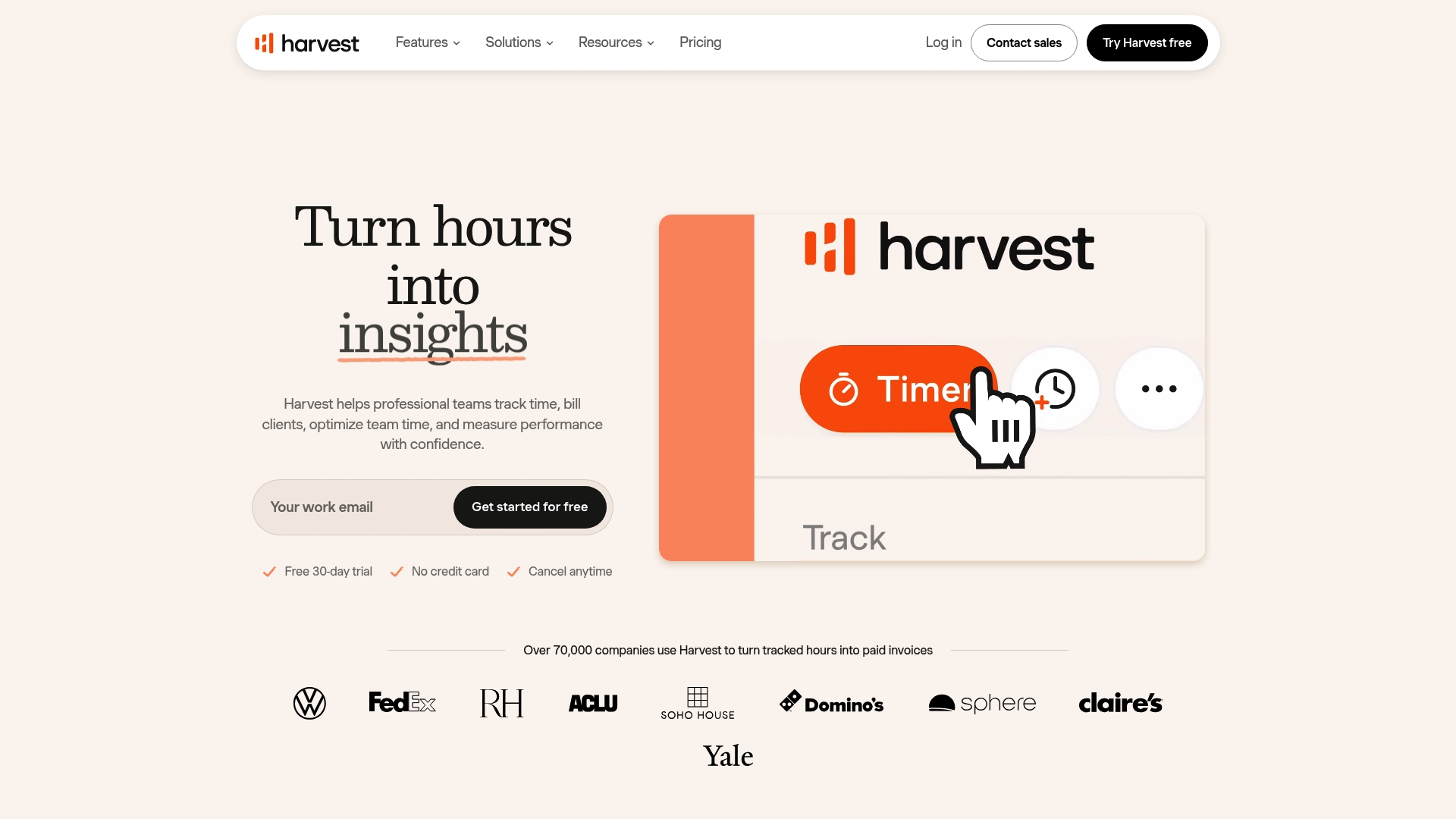
Harvest connects with more than 50 third-party tools, making it easy to feed tracked hours into billing and reporting. The platform centers on simple time capture across browser, desktop, and mobile. Teams use it to turn logged time into invoices and expense claims with minimal manual work.
Core Features
Harvest offers time tracking across browser, desktop, and mobile and pairs that with reporting and capacity analysis for projects and teams. The product supports invoicing and online payments, expense tracking, and budget alerts that roll up across projects. These features work together so tracked hours map directly to billable items and financial reports.
Key Differentiator
Harvest stands out for its combination of easy time entry and wide connectivity to project and accounting tools. That connection set reduces double entry when you export time into bookkeeping or project management apps. Small teams get a single place to capture hours, monitor budgets, and collect payment without building custom integrations.
Pros
The time capture is fast and forgiving, which helps teams record billable work accurately and consistently. Integrations with tools like project managers and accounting systems cut manual exports and speed invoicing. Reporting gives clear visibility into budget health, and the invoicing flow links directly to logged time so you spend less time preparing bills.
Cons
- Pricing becomes expensive as team size grows. This limits appeal for larger organizations.
- Reporting and advanced project controls feel basic compared with specialized project management tools.
- Some customers report syncing problems and limitations in the mobile app.
- Customer support response times have been reported as slow or unhelpful by some users.
When It May Not Fit
If your organization needs enterprise-scale seat discounts, Harvest may cost more than comparable options. Teams that require detailed project planning and advanced forecasting will find the feature set too limited. Organizations that depend on flawless mobile syncing and rapid support response should evaluate support performance first.
Notable Integrations
Integrations include Asana, Stripe, and QuickBooks. It also connects with Xero, Slack, Trello, GitHub, and Google Calendar.
Who It’s For
Harvest fits freelancers and small to medium professional service teams that bill by time or run project-based work. Agencies and consultancies that want direct links from tracked hours to invoices will find it practical. It suits teams that prefer a friendly interface over a heavy project planning tool.
Real World Use Case
A creative agency tracks billable hours in Harvest, watches project budgets via reports, and generates invoices directly from logged time. That process reduces invoice prep and shortens the time between work and payment. The agency then reconciles payments through its accounting connector.
Pricing
Harvest offers a free option for individual freelancers and paid seats for teams. Team pricing runs around $9–14 per seat/month, with lower rates available for annual billing. Enterprise plans are available for larger organizations.
Website: https://getharvest.com
Invoice Simple
At a Glance
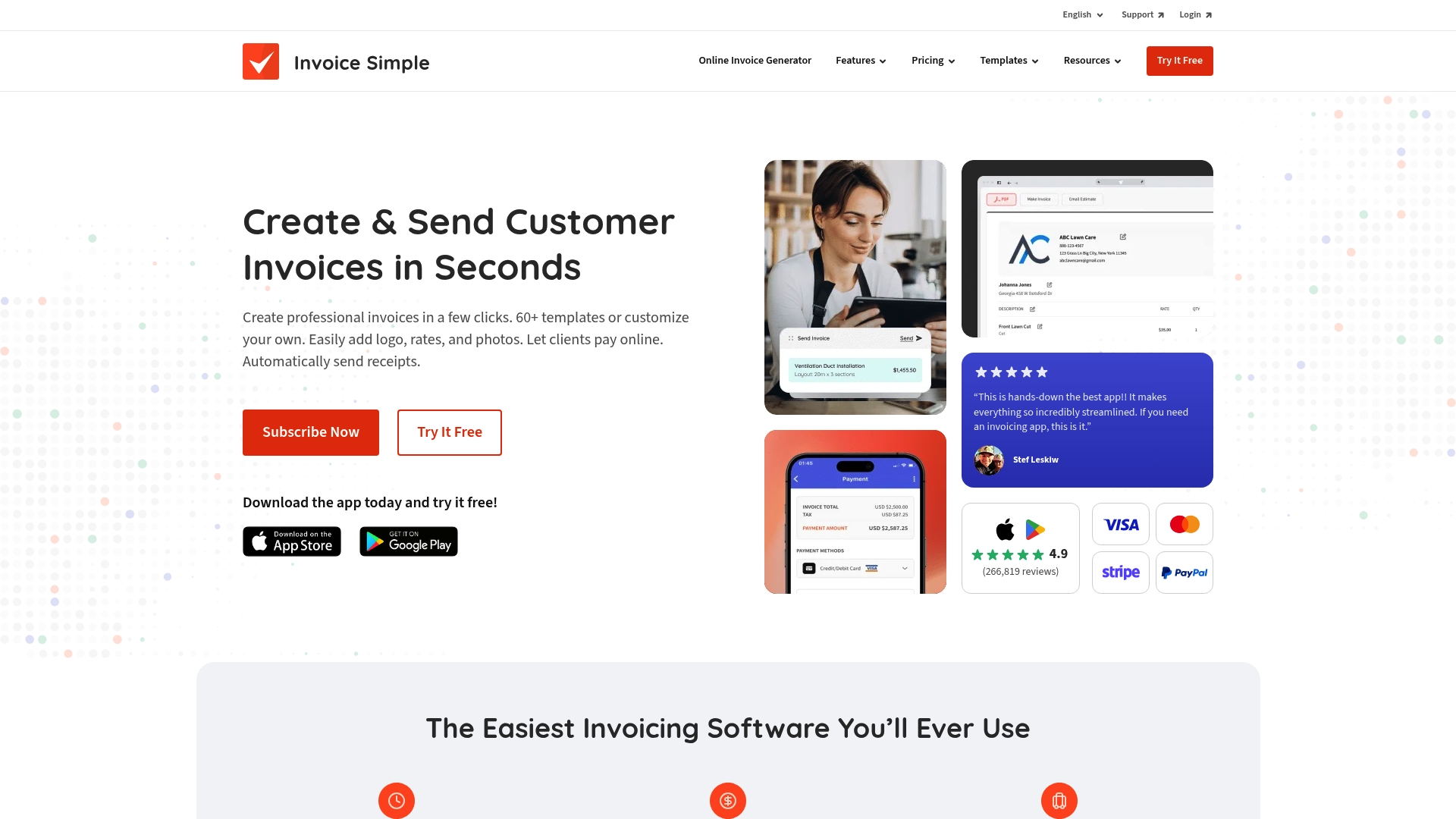
Starts at $6.99/month for an essentials plan that limits you to three invoices, with tiered plans for unlimited billing and a 14-day free trial. The offering centers on rapid mobile invoicing and simple payment acceptance. Small teams often praise how fast invoices go out from a phone.
Core Features
Invoice Simple lets you create and send professional invoices in seconds while adding logos, photos, and custom notes. It accepts multiple payment methods including cards, PayPal, Venmo, and ACH in the US, and also tracks expenses and scans receipts for record keeping. Revenue, expense, and client reports are available on both mobile and desktop for quick financial checks.
Key Differentiator
The platform emphasizes speed and minimal setup so you can invoice on location from a phone or tablet without a long learning curve. That focus makes formatting and sending an invoice faster than many full accounting suites. This approach suits users who need rapid billing rather than extended bookkeeping features.
Pros
Invoice Simple is very easy to pick up on both mobile and desktop, which reduces time spent on billing setup. The invoice templates look professional, and you can add photos and notes that matter for service work and trades. Multiple payment options help shorten the time between sending an invoice and receiving payment.
Cons
- Significant price increases and mid-subscription billing changes have been reported by users.
- Lower-tier plans cap the number of invoices, which may force growth-stage users to upgrade quickly.
- Customer support responsiveness is noted as poor, and phone support is not available.
- Occasional app bugs and syncing issues occur across devices, according to user reports.
When It May Not Fit
If you need robust bookkeeping functions beyond basic revenue and expense reports, this will feel limited. Businesses that send hundreds of invoices per month will outgrow lower plans because of invoice caps. Teams that rely on responsive phone support or complex custom fields should look elsewhere.
Who It’s For
This product fits small business owners, freelancers, and service providers who need fast invoicing from a phone or tablet. It works well for solo operators or small teams that prioritize quick client billing over full accounting workflows. Use it when you want simple receipts and estimates without heavyweight software.
Real World Use Case
Jesse, a photographer with a 12-person crew, issues invoices on location after events so clients can pay immediately. The mobile app lets Jesse attach photos, add notes about usage rights, and accept card payments on site. That quick turnaround improves cash flow and client satisfaction.
Pricing
Pricing starts at $6.99/month for the essentials tier with up to three invoices. Higher tiers remove the invoice cap and add more features. A 14-day free trial lets you test core functionality before committing.
Website: https://invoicesimple.com
Invoicely
At a Glance
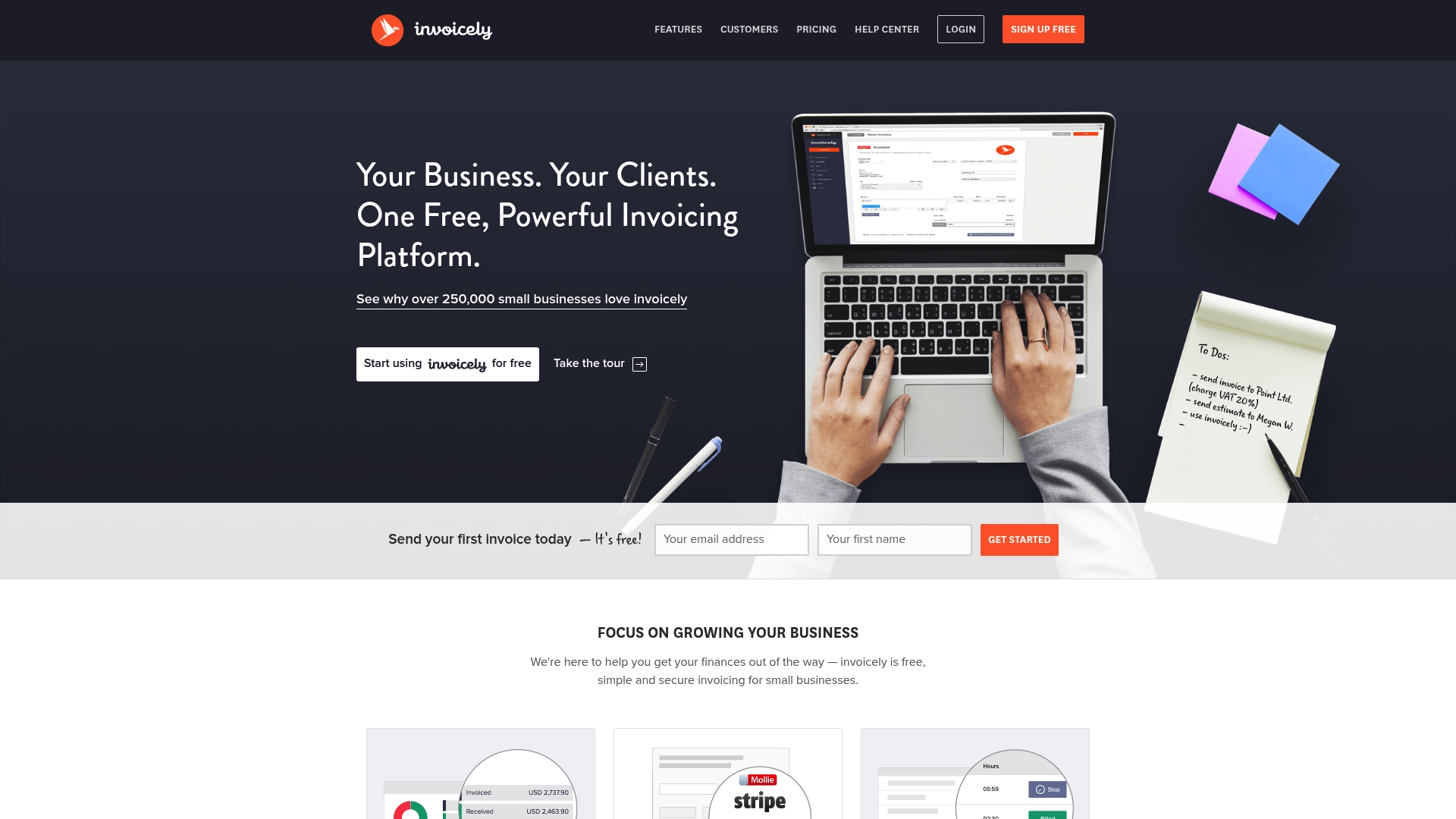
Free, unlimited invoicing and estimates are available on the basic tier, removing per-invoice costs for freelancers and small firms. The platform supports multi-currency billing and online payments through common gateways. Mobile apps and multiple business management make it usable across devices and projects.
Core Features
Invoicely combines invoicing, online payment acceptance, and basic financial tracking into one interface. You can track time, expenses, and mileage while using recurring invoice profiles and automatic reminders. Custom branding, multi-business management, and a mobile app for iOS and Android round out the core toolset.
Key Differentiator
The single standout is the no-cost unlimited invoicing offering that suits budget-conscious users. That free tier pairs with tools usually behind paywalls, such as multi-currency support and recurring billing. For teams or firms that only need straightforward billing, that combination reduces the need to upgrade immediately.
Pros
A generous free plan makes it easy for freelancers and small businesses to start billing without an initial expense. The interface is simple to set up, so you can create and send invoices quickly and accept payments through major gateways. Language and currency support help with international clients, while multi-business management keeps separate brands or units organized in one account.
Cons
-
Free tier limits customization and advanced features. Some invoice design and reporting options are locked behind paid plans.
-
Advanced reporting and detailed branding require paid upgrades. Teams that need deep financial analysis will likely pay more.
-
Notifications and tracking have occasional glitches for some users. These issues can interfere with invoice status visibility.
-
Mobile app features are not as fully developed as the web interface. The app can feel limited for complex workflows.
When It May Not Fit
If you need granular reporting built into the base plan, Invoicely will not meet that requirement. Companies that require heavy customization of invoice templates should expect to upgrade. Teams needing flawless mobile feature parity will find the mobile experience lacking. High-growth businesses that anticipate advanced accounting needs may outgrow the platform quickly.
Notable Integrations
Invoicely connects directly to common payment gateways to collect funds and simplify checkout. Those integrations reduce manual reconciliation for most small businesses.
-
PayPal — accept payments from global clients with PayPal accounts.
-
Stripe — accept card payments and modern checkout flows.
-
Authorize.net — support for merchants using that gateway.
-
Mollie — regional payment options for European customers.
Who It’s For
Freelancers, sole proprietors, and small business owners who prioritize low cost will find Invoicely appealing. It fits professionals who need simple invoicing, basic expense tracking, and online payment collection. Agencies or firms with basic accounting needs and multiple small brands can use the multi-business features without added complexity.
Real World Use Case
A freelance graphic designer creates branded invoices, applies a recurring invoice for retainer clients, and accepts PayPal payments. They track time per project and log expenses to keep client billing accurate. Automated reminders cut down on late payments while mobile access lets them invoice from a laptop or phone.
Pricing
The basic tier is free and supports unlimited invoicing. Paid plans add team seats, advanced branding, and reporting, with paid tiers starting at $9.99/month. Upgrading is optional for users who need the extra features.
Website: https://invoicely.com
Moon Invoice
At a Glance
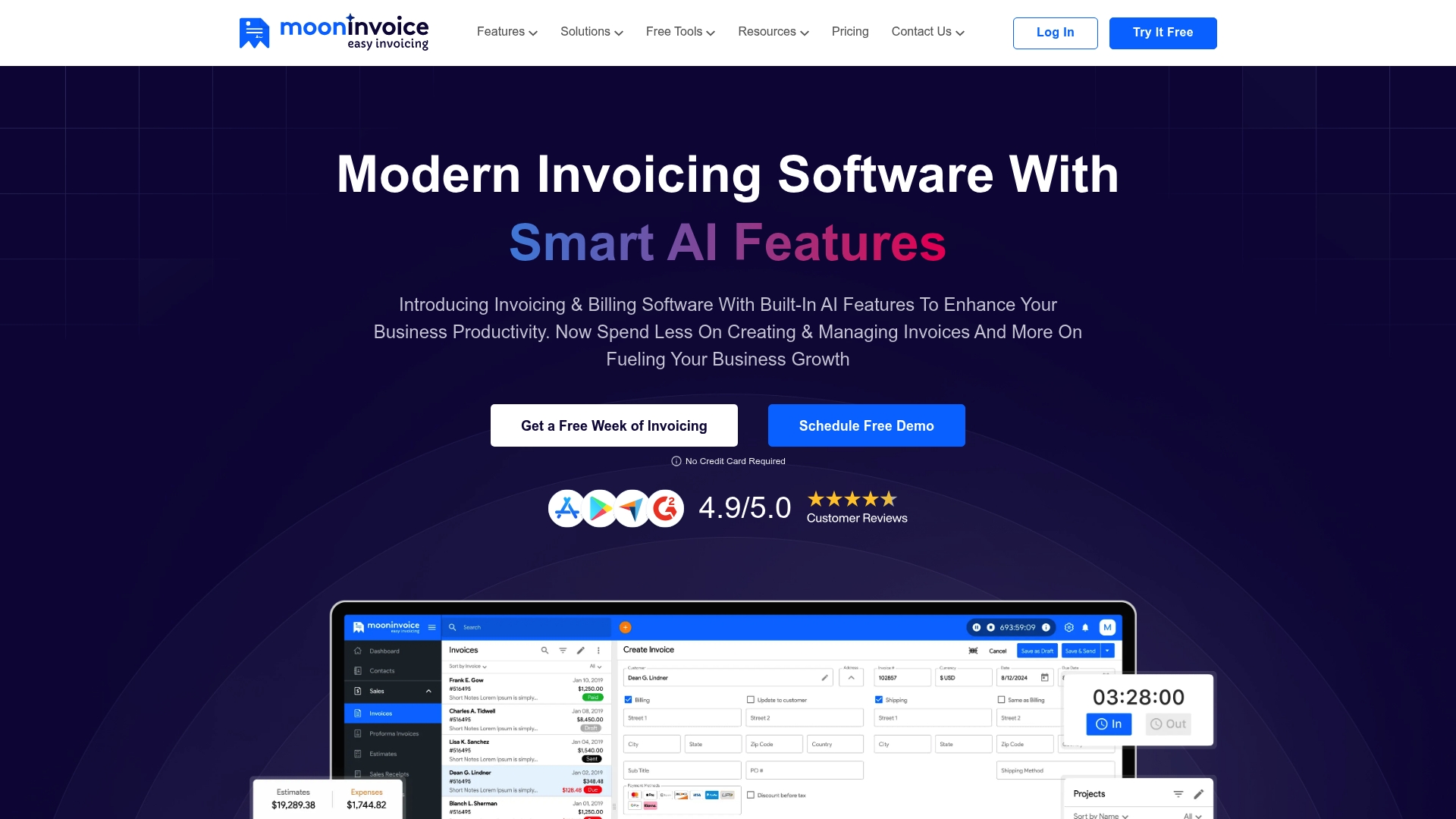
An AI Quick Scan feature converts photographed receipts into expense entries, reducing manual data entry. The app supports Mac, iOS, Android, Windows, and Linux so you can work on desktop or mobile. Moon Invoice targets small to mid-sized businesses and freelancers and has won awards for customer satisfaction.
Core Features
Moon Invoice offers ready-made invoice templates, quick estimate creation with one-click conversion to invoices, purchase order creation, and credit note handling. It tracks expenses, includes time tracking tied to invoices, and generates financial reports for basic analysis. The platform connects to payment gateways such as Stripe, PayPal, UPI, and Square, and exposes a developer API plus integrations for Zapier, Make, and Basecamp.
Key Differentiator
The strongest single feature is built-in AI for receipt capture and automated reminders that cut down repetitive tasks. Pairing that automation with attractive templates and multi-currency support helps businesses that bill internationally. That combination makes it easier to keep invoices consistent across clients and countries.
Pros
Visually appealing templates and catalog management make quotes and invoices look polished, and converting a proposal into an invoice is straightforward. Automation features reduce manual bookkeeping work and help keep expenses and time entries current. The app runs on many platforms and connects to third-party tools, which keeps the workflow flexible for agencies and freelancers.
Cons
- Users report pervasive bugs and stability problems including crashes and syncing failures that interrupt work.
- Template and email customization options are limited compared with other invoicing tools.
- Customer support responsiveness can be inconsistent, which slows issue resolution for urgent problems.
- Technical issues reported by some customers can hinder standard billing workflows.
When It May Not Fit
If your business demands rock-solid stability for high-volume billing, this product may frustrate you. Teams that need deep template or email customization will find the options narrow. If you require guaranteed, fast vendor support for mission critical billing, look at solutions with documented response SLAs.
Notable Integrations
Moon Invoice offers integrations with Zapier, Make, and Basecamp and provides a developer API for building custom connections.
Who It’s For
Small business owners, freelancers, and independent professionals who want faster invoice and receipt capture will get value from Moon Invoice. It fits teams that need multi-device access and basic multi-currency billing. It does not fit buyers who require enterprise-grade uptime or highly customizable invoice designs.
Real World Use Case
A freelance graphic designer photographs client receipts and the AI Quick Scan creates expense entries automatically. The designer converts an approved estimate into an invoice and accepts payments through Stripe in a different currency. Monthly financial reports show billable hours and outstanding invoices for easy cash flow checks.
Pricing
This overview does not include a structured pricing plan. Visit the vendor site to view current plans, trial options, and any platform or seat limits.
Website: https://mooninvoice.com
Comparison of alternatives
InvoiceLabs excels at swift branded invoice creation, yet competitors offer distinct advantages in functionality, pricing, and flexibility.
Integration Depth
Harvest wins for integrations, connecting widely with tools like Asana, Stripe, and QuickBooks. This offers streamlined workflows for teams that rely on external systems for project management and accounting. Invoice Simple and Moon Invoice present simpler but practical payment integrations, while InvoiceLabs focuses on Stripe connections, fitting users needing direct client-side payment options.
Cost Accessibility
Wave leads with its free tier for accounting and invoicing, ideal for freelancers starting without subscription costs. Invoicely follows with unlimited invoicing on its free plan, attracting budget-conscious users seeking recurring or multi-currency billing. InvoiceLabs offers competitive starter pricing but limits the free tier’s usability, which impacts cost-effectiveness for scaling businesses.
Best fit
- Freelancers or small teams requiring fast branded invoices benefit from InvoiceLabs’ efficient setup and branding options.
- Cost-conscious users looking to minimize expenses should explore Wave or Invoicely for their free-tier accessibility and useful features.
- Professionals prioritizing toolkit integration can leverage Harvest’s extensive connections to third-party tools for operations across workflows.
- Service providers needing rapid mobile invoicing during service delivery will appreciate Invoice Simple’s mobile app features.
- Firms managing multiple brands or business units should review Invoicely’s multi-business management capabilities.
Our pick
InvoiceLabs leads in cases demanding rapid and branded invoicing, paired with real-time tracking and Stripe-powered one-click payments. Choose InvoiceLabs when speed and polished invoice presentation are essential, but evaluate Wave for low-cost entry or Harvest for integration needs in situations where these features are more critical.
For readers seeking fast and customizable invoicing solutions, here are some competitive options that fit various business needs:
| Platform | Unique Feature | Ideal For | Pricing | Limitation |
|---|---|---|---|---|
| InvoiceLabs | Real-time payment tracking and branded design | Freelancers and small teams | Free plan; paid tiers £9/month+ | Free tier limits to 1 client and invoice per month |
| Wave | Free accounting and invoicing for small businesses | Freelancers and solo operators | Freemium; paid plans $19/month | Advanced reporting and customization limited |
| Harvest | Time tracking linked to invoicing | Professional service teams billing by the hour | $9–14/seat/month | Grows costly as team size increases |
| Invoice Simple | Mobile-focused invoicing with payment options | Solo operators and small teams | Starts at $6.99/month | Invoice caps on lower-tier plans |
| Invoicely | Free unlimited invoicing | Budget-conscious freelancers and small firms | Free; paid plans $9.99/month+ | Advanced features require paid upgrade |
| Moon Invoice | AI-powered receipt scanning | Freelancers and small businesses | Price not published | Reported app stability issues |
What Challenges Do Freelancers and Small Teams Face When Switching from FreshBooks?
Many freelancers and small businesses looking at alternatives to FreshBooks find invoicing slows down their cash flow. Complex setups and inconsistent branding often delay payments. InvoiceLabs offers a fast invoicing solution that helps you create professional, branded invoices in under 30 seconds. It tracks real-time tax calculations and invoice statuses to get you paid sooner.

If you want to reduce admin time and send invoices that match your brand effortlessly, visit InvoiceLabs to build your first invoice quickly. See how instant payment via Stripe and automatic payment tracking can shrink the billing cycle for freelancers and agencies alike.
FAQ
How fast can I create invoices with Invoicelabs?
Invoicelabs allows you to build fully branded invoices in under 30 seconds. The platform emphasizes rapid invoice creation, which suits freelancers and small businesses needing quick billing solutions. You can expect to spend minimal time on administrative tasks and focus more on your work.
What is the difference between Invoicelabs and Wave?
Wave excels in offering free accounting and invoicing as part of a freemium model, making it great for very small businesses and solopreneurs. In contrast, Invoicelabs focuses on speed and professional branding, allowing users to create invoices in under 30 seconds. If you require polished invoices and one-click payments, Invoicelabs would be the better fit for you.
Can Invoicelabs handle recurring invoices?
Yes, Invoicelabs supports recurring invoices and automatic reminders to help streamline the billing process. This feature is crucial for freelancers and small businesses that manage subscriptions or regular billing cycles. You can easily set this up for consistent income without having to resend invoices manually.
Does Invoicelabs offer integrations with payment gateways?
Invoicelabs integrates directly with Stripe, enabling one-click payments for your clients. This integration allows seamless payment processing that is essential for businesses looking to minimize the time between invoice issuance and payment collection. After initial setup, clients can pay invoices effortlessly, enhancing your cash flow.
How does Invoicelabs ensure invoice security?
Invoicelabs provides bank-grade security for all transactions and document handling. This feature protects sensitive information and gives peace of mind to users handling financial transactions. You can trust that your data is secure while enjoying the platform’s ease of use.
Recommended
Send your next invoice in seconds
Create professional invoices, track payments and get paid faster — free to start.


