Top 3 QuickBooks Alternatives for 2026
Managing invoicing and billing with QuickBooks often creates friction for freelancers and small business owners who need speed and simplicity. Many options either restrict integrations, limit invoice volume, or increase monthly fees as you add features for payments and branding. This comparison covers pricing, tax calculation, and automation so you can pick invoicing software that fits your business without slow trial and error.
Table of Contents
InvoiceLabs
At a Glance
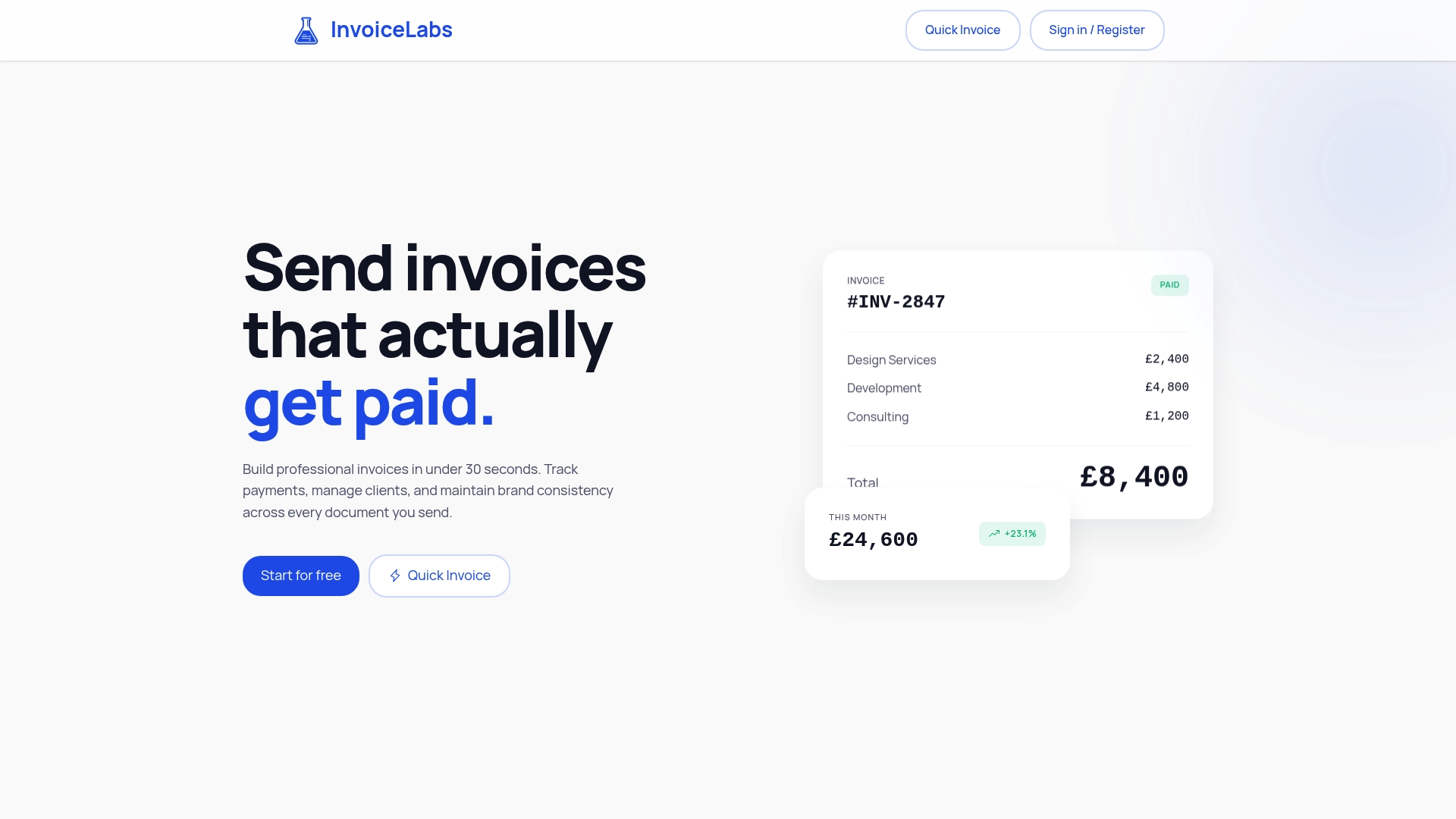
InvoiceLabs claims you can build professional invoices in under 30 seconds. The vendor says invoices include real-time tax calculation and multi-currency support for accurate totals. The service also reports instant delivery and status tracking so you know when a client opens or pays.
Core Features
InvoiceLabs focuses on rapid invoice creation with tools to add logos, colors, and consistent branding while generating a clean PDF or email. It performs real-time tax calculation and handles multiple currencies, and it accepts card payments via one-click pay through Stripe. The platform tracks invoice status, records client interactions, and stores basic client details for repeat billing.
Key Differentiator
The product’s main advantage is its speed paired with payment readiness. You can compose a branded invoice, attach correct taxes, and include a payment button in one flow. That combination reduces steps between drafting an invoice and collecting payment.
Pros
The interface emphasizes quick output and keeps routine billing short, which helps freelancers and small agencies move from project close to invoice delivery fast. A Free plan exists for very low volume users who need basic branding and a test payment flow. Online payments run through Stripe, so card acceptance and payouts use a widely supported payment rail. Built-in status tracking and multi-currency support make reconciliation and follow up clearer for cross-border clients. That speed claim makes chasing late paperwork less frequent for repeat billers.
Cons
- Free plan limits you to one client and one invoice per month, which makes the free tier practical only for trial use or single-invoice needs.
Notable Integrations
InvoiceLabs integrates with Stripe for card payments and one-click checkouts. No other third-party integrations are listed in the product data.
Who It’s For
Freelancers, consultants, and small agencies that need fast, presentable invoices and want to accept online card payments immediately. Teams that value brand-consistent documents and basic client records will get the most value. High-volume billers will likely outgrow the free tier quickly.
Unique Value Proposition
Real-time tax calculation combined with instant delivery means you can send tax-correct, brand-stamped invoices and include a payment button in the same action. That reduces manual tax errors and removes an extra step before the client pays. For solo professionals, this translates to fewer edits and faster cash collection compared with drafting an invoice in a word processor.
Real World Use Case
A freelance graphic designer prepares a project invoice, confirms tax rules for the client location, and attaches a one-click Stripe payment. The designer sees when the client opens the invoice and then records the payment automatically. That sequence shortens the gap between delivery and collection.
Pricing
Plans include a Free tier and three paid tiers: Starter £9/month, Professional £19/month, and Business £49/month. The Free tier restricts usage to one client and one invoice per month, while paid plans remove that cap and add higher volume support.
Website: https://invoicelabs.io
Xero
At a Glance
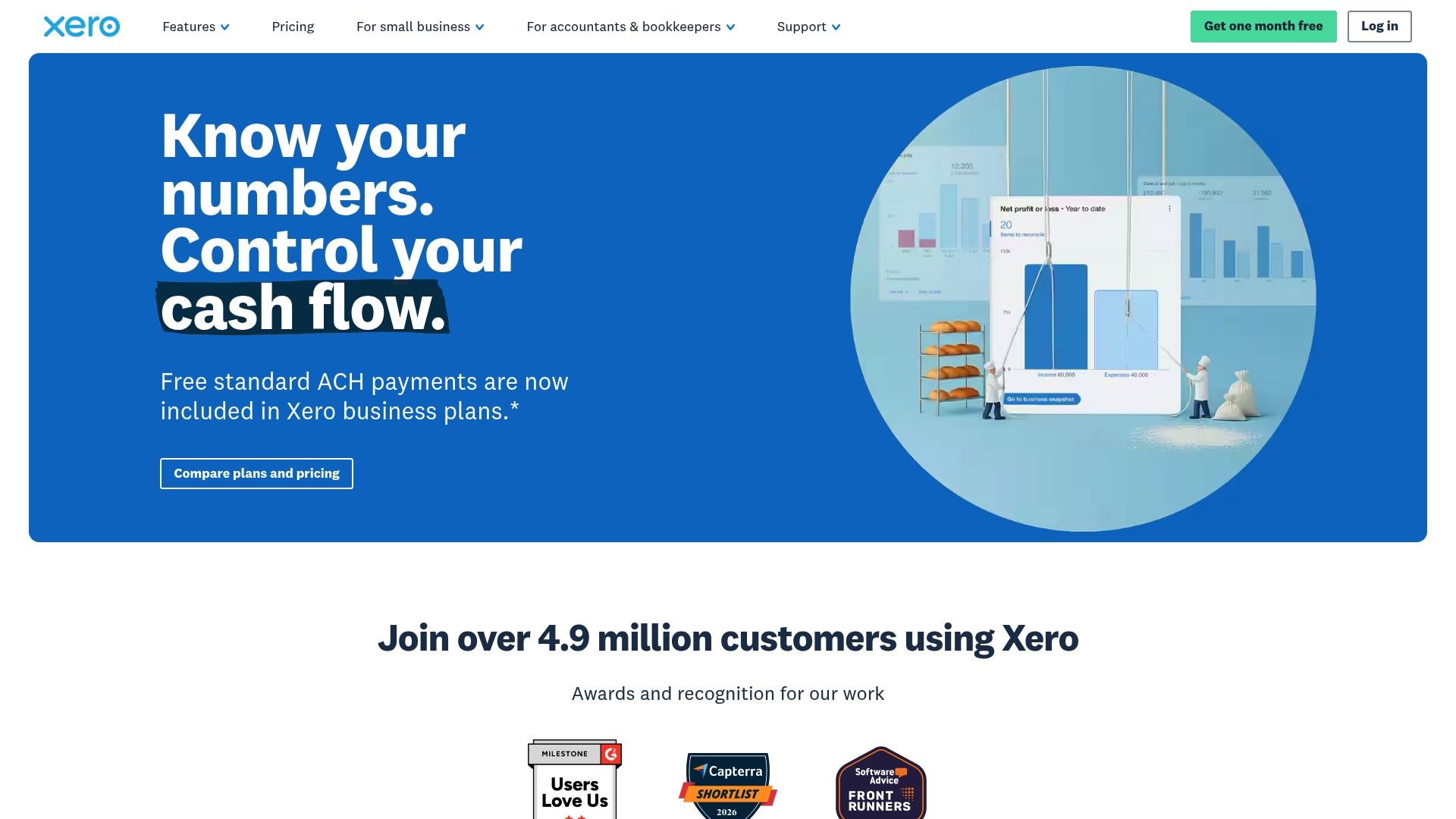
Xero reports over 4.9 million customers worldwide. The product targets small and medium-sized businesses with cloud accounting, invoicing, and reconciliation. It combines dashboard analytics and onboarding support with an AI assistant for routine bookkeeping tasks.
Core Features
Xero delivers cloud accounting with automated bank feeds and reconciliation, online invoicing, expense claim handling, and multi-currency support. Financial reporting includes dashboards with KPIs, ratios, and industry benchmarking for growing businesses. The vendor advertises integrations with over 1,000 third-party apps, and it offers onboarding coaches plus the JAX AI assistant for routine queries.
Key Differentiator
Xero stands out for the breadth of its app ecosystem, which lets you attach niche tools to core accounting workflows. That app count above supports industry-specific add-ons for retail, agencies, and accountant practices. Paired with JAX, Xero moves routine answers and repetitive bookkeeping steps into automated flows.
Pros
Xero has a clear, approachable interface that reduces onboarding time for contractors and small teams. Automation features such as bank feeds and rule-based reconciliation cut manual entry and speed month-end close. The extensive app marketplace and dedicated onboarding coaches make it simpler to add payroll, CRM, or ecommerce connectors. Collaboration tools let accountants and clients work in the same books without exporting files.
Cons
- Pricing at higher tiers can run above some competitors, which increases total platform cost for advanced features.
- Invoice and bill caps differ by plan tier, which may constrain businesses that issue many transactions each month.
- Some teams report slower customer support response times during peak periods.
- Inventory and other advanced features often arrive as paid add-ons, adding extra monthly cost.
When It May Not Fit
If your business issues very high invoice volumes, the plan caps could force plan changes or add-on purchases. If you need built-in inventory without extra fees, Xero may add cost through optional modules. If rapid, hands-on support is critical, reported response delays mean other vendors might be a better fit.
Who It’s For
Small to medium-sized business owners, accountants, and bookkeepers who want cloud accounting with automation and analytics. Agencies and practices managing multiple client books will benefit from collaboration features and onboarding coaching. Businesses that plan to extend functionality with third-party apps will get the most value.
Real World Use Case
A small retail shop uses Xero to automate bank feeds and reconcile daily sales receipts. The owner sends professional invoices and accepts online payments without separate billing software. During tax season, the shop shares access with its accountant to speed filings and reduce manual reconciliation.
Pricing
Xero uses tiered plans named Early, Growing, Established, and Enterprise with variable pricing by plan. Pricing starts around $5 to $18 per month for initial promotional months and then increases after trial periods. Xero offers 80% off the first three months for new US customers who use a promo code.
Website: https://xero.com
FreshBooks
At a Glance
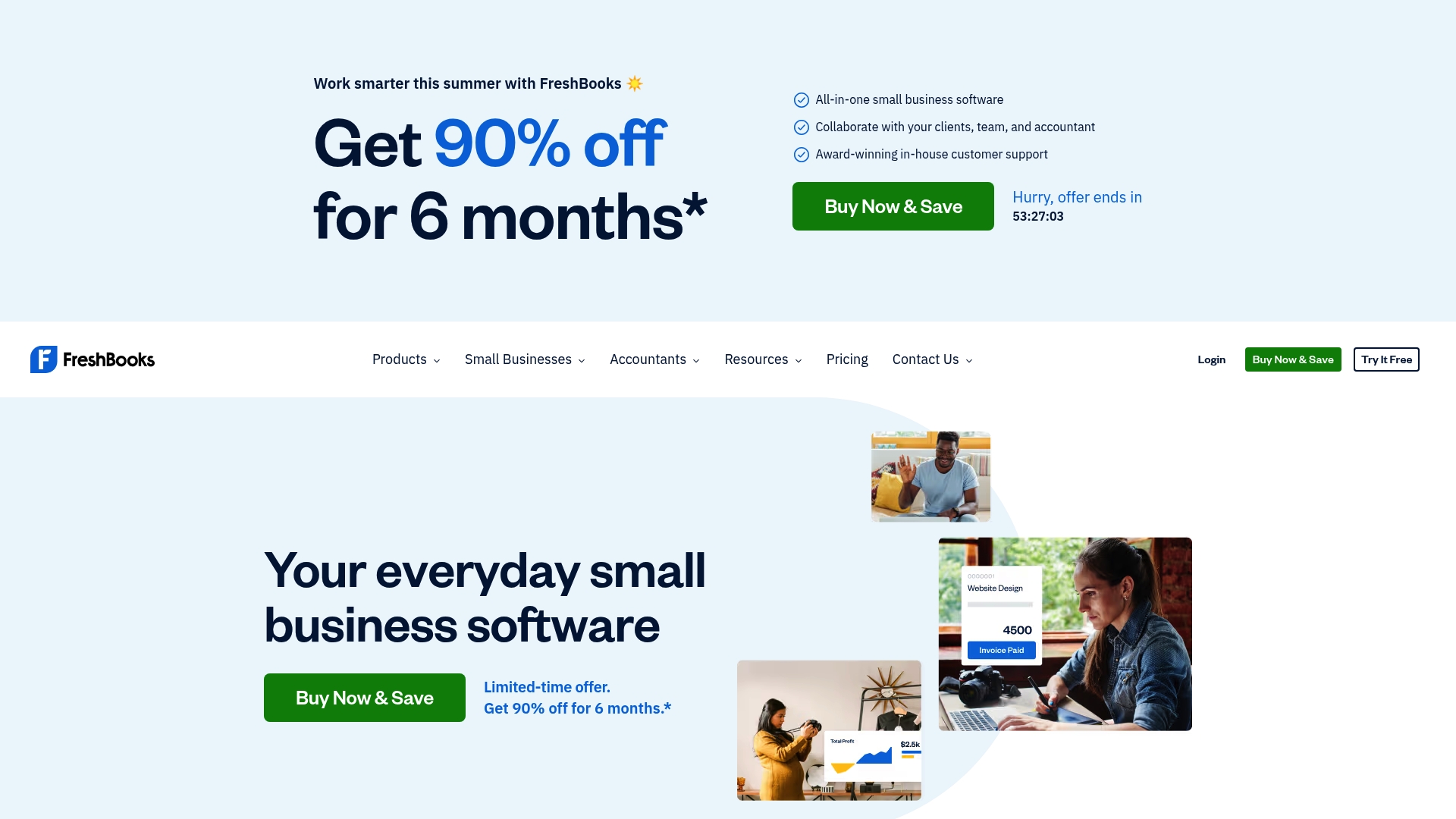
Starting at $2.30/month for the Lite plan, FreshBooks targets freelancers and small business owners who need quick invoicing. The vendor highlights award winning customer support alongside automated expense capture and time tracking. That combination reduces manual bookkeeping for solo operators and small teams.
Core Features
FreshBooks includes invoicing and estimates, time tracking, and expense tracking with mobile receipt scanning so you record costs on the go. It adds payroll and payroll tax handling alongside tax ready financial reports such as profit and loss and balance sheet. The platform also supports integrations that automate recurring tasks and collaboration with accountants.
Key Differentiator
FreshBooks stands out for an easy-to-use interface built specifically for small business workflows, not enterprise accounting departments. The product emphasizes automation for routine tasks and quick client billing. That focus makes setup and daily use less taxing for freelancers and small agencies.
Pros
FreshBooks has an easy to use interface designed for people who do not want an accounting degree to run books. The product bundles invoicing, expense capture, time tracking, payroll, and reporting so you can keep most finances in one place. Automated receipt capture and recurring invoices save time on repetitive tasks. The company also promotes award winning support, which helps when you need phone or chat guidance.
Cons
- May not meet the needs of very large or complex enterprises that require advanced accounting workflows.
- Payroll and some advanced payment features add extra cost beyond base plans.
- Buyer reviews report pricing can get complicated once you add team members and add ons.
When It May Not Fit
If you run a growing firm with multiple departments and advanced consolidation needs, FreshBooks may feel limited. Companies that need sophisticated reporting or a large chart of accounts will likely outgrow it. Also expect higher monthly costs as you add payroll or several team seats.
Who It’s For
Freelancers, solo consultants, and small agencies who need fast invoicing and basic accounting work best with FreshBooks. Accountants who advise small clients will appreciate the collaboration tools and tax ready reports. Owners who prioritize quick setup and minimal bookkeeping overhead will find it attractive.
Real World Use Case
A freelance graphic designer issues branded invoices, tracks billable hours, and scans receipts with a phone camera. The designer uses FreshBooks reports to prepare quarterly taxes and to spot unbilled hours. That workflow reduces time spent on end of year accounting.
Pricing
Plans start at $2.30/month for the Lite plan and go up to $7/month for the Premium plan. Additional charges apply for team members, payroll, and advanced payment features. FreshBooks offers discounts for annual billing and occasional promotional offers.
Website: https://freshbooks.com
Comparison of alternatives
InvoiceLabs delivers streamlined invoicing with instant payment capabilities, a feature targeting fast-paced professionals. Competitors like Xero and FreshBooks provide additional benefits like extensive app integration and ease of use, respectively.
Efficiency in Invoicing Creation
InvoiceLabs surpasses others with its swift invoice setup process, boasting under 30 seconds for completion paired with integrated payment options. FreshBooks also supports rapid invoicing, though its approach includes more rules for recurring tasks. For extensive invoices, Xero excels through integrated data access but requires more steps to finalize transactions compared to InvoiceLabs.
App Ecosystem and Expandability
Xero distinguishes itself with its app marketplace offering connections to over 1,000 applications, enabling tailored functionality for diverse industries. This flexibility suits businesses needing advanced workflows or inventory connection not inherent to InvoiceLabs. FreshBooks, while simpler, supports time tracking and expense tracking appealing to freelancers aiming for clarity.
Best fit
- Professionals managing client invoicing fast and optimized payments will find InvoiceLabs fitting due to its unique payment integration.
- Organizations needing deep integrations with broader operational tools might prefer Xero.
- Freelancers valuing easy cost capture and effective tax reporting should consider FreshBooks.
Our pick
For freelancers and small business owners focused on quick, professional invoicing and integrated payment workflows, InvoiceLabs proves ideal when compared against alternatives. Those needing advanced workflows or frequent app integrations may explore Xero, while freelancers seeking simplicity and reliable support might lean towards FreshBooks.
Assessing invoicing software options, the following table compares platforms focusing on speed, automation, and scalability.
| Product | Key Feature | Best For | Pricing | Limitation |
|---|---|---|---|---|
| InvoiceLabs | Fast invoice creation with payment readiness | Freelancers and small agencies | Free, plans from £9/month | Free plan limited to one invoice per month |
| Xero | Broad app ecosystem for integrations | Growing businesses requiring tailored additions | Promotional rates starting at $5/month | Advanced features often require paid add-ons |
| FreshBooks | Automation-focused interface for solo operators | Freelancers needing quick invoicing and time tracking | $2.30/month for Lite plan | Costs increase with team members and advanced features |
Which Invoice Solution Meets Your QuickBooks Alternative Needs?
Freelancers, consultants, and small agencies often need an invoicing tool that works fast, saves time, and reduces payment delays. This article highlights how effective alternatives offer real-time tax calculations and instant payment tracking as solutions to common invoicing challenges. Invoicelabs answers these needs by helping you create professional, brand-consistent invoices in under 30 seconds with integrated Stripe payments and status tracking.
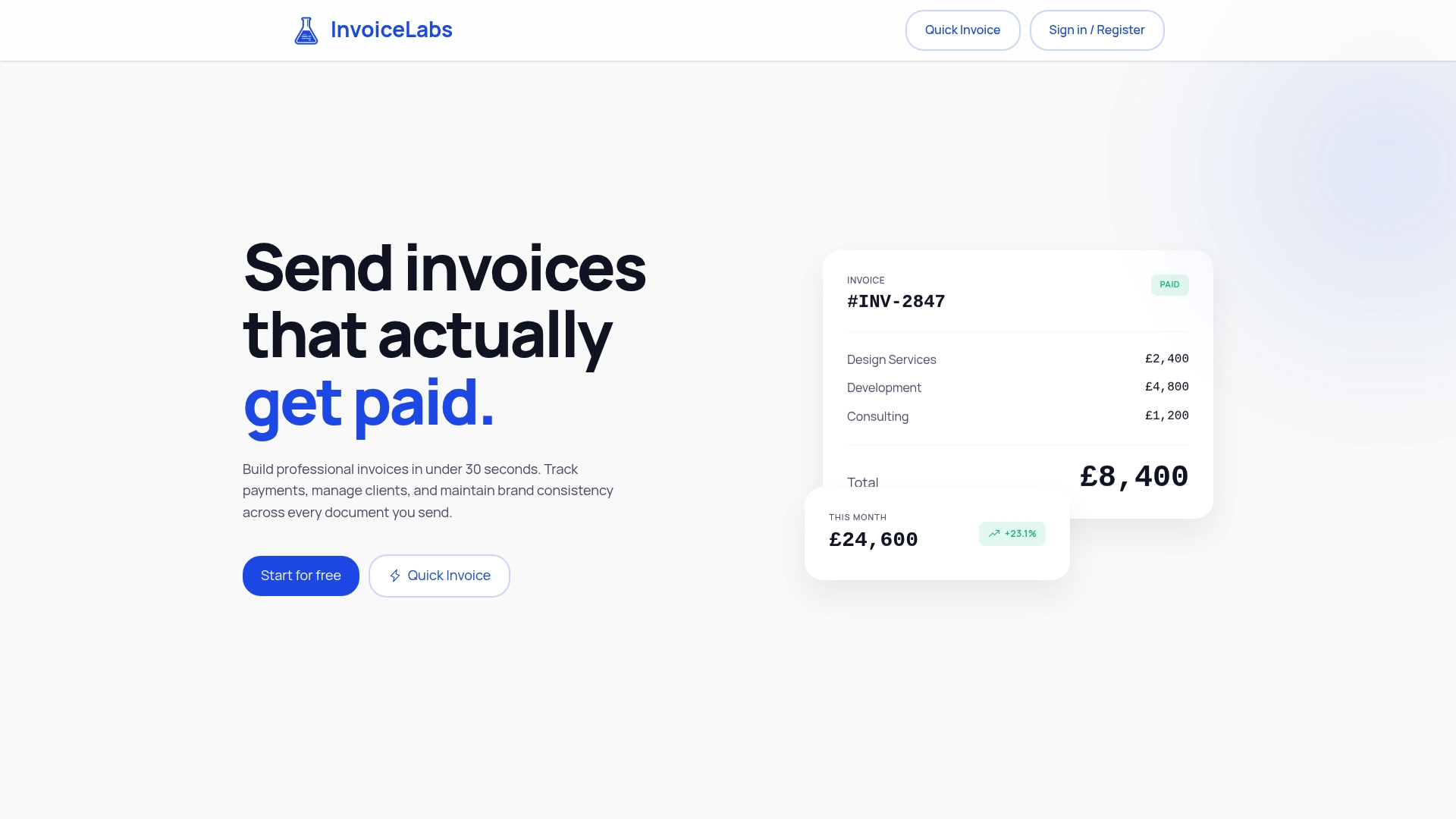
If your priority is swift invoice delivery with accurate taxes and quick client payments, check out Invoicelabs. Get started now to boost your invoicing speed and improve cash flow with fewer errors.
FAQ
What makes Invoicelabs suitable for freelancers and small agencies?
Invoicelabs offers rapid invoice creation, allowing users to build professional invoices in under 30 seconds. This feature streamlines the invoicing process, which is particularly beneficial for freelancers and small agencies that need to deliver invoices quickly after project completion.
How does Invoicelabs compare to Xero for invoicing?
Xero excels in its extensive app ecosystem, offering integrations with over 1,000 third-party applications that cater to various industries. Invoicelabs, on the other hand, focuses on speed and simplicity in invoicing, making it ideal for users who primarily need to create and send invoices without a complex setup.
Does Invoicelabs support multiple currencies?
Yes, Invoicelabs includes multi-currency support for invoicing, which allows accurate totals when dealing with international clients. This feature simplifies transactions, especially for freelancers who manage clients across different countries.
Can freelancers use the free plan of Invoicelabs effectively?
The free plan of Invoicelabs limits usage to one client and one invoice per month, making it suitable mainly for trial use or single transactions. Freelancers may find it beneficial to quickly test the platform before deciding on a paid plan that better fits their invoicing needs.
What payment options does Invoicelabs provide?
Invoicelabs allows one-click payments through Stripe, enabling users to facilitate online transactions seamlessly. This feature helps reduce the steps involved in collecting payments, which is particularly advantageous for users focusing on rapid invoicing and immediate payment collection.
Recommended
Send your next invoice in seconds
Create professional invoices, track payments and get paid faster — free to start.


